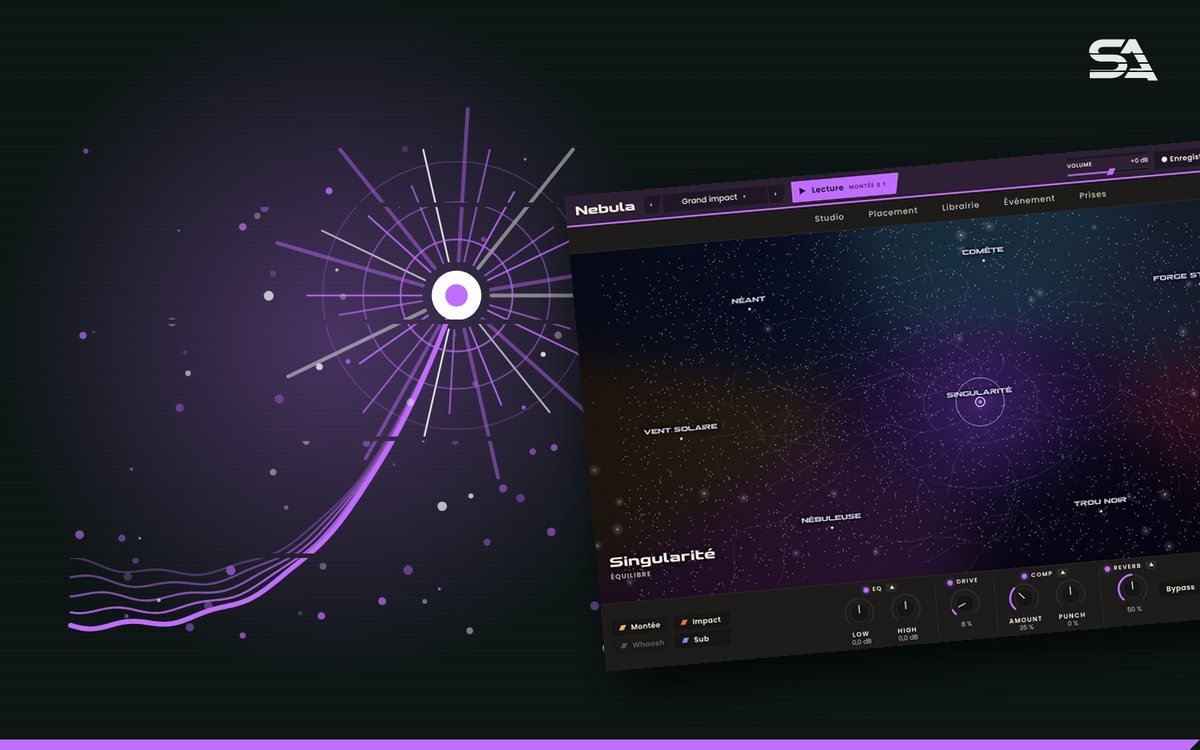
The ear’s four cues
| Cue | What changes | How to reproduce it |
|---|---|---|
| Distance | quieter, darker, more room | level, high cut, more reverb and less direct sound |
| Direction | louder on one side | panning, and a slight delay on the other ear |
| Front / back | behind: duller | a little less top end for the back |
| Movement | the pitch changes as it passes | Doppler effect: the pitch drops as the sound moves away |
Distance: three settings together
Turning the volume down isn’t enough to push a sound away: it just sounds quieter. To make it sound far, also lower the top end (air absorbs high frequencies) and increase the share of reverb compared with the direct sound. Conversely, a close sound is loud, bright and almost dry. It’s the same logic as placing the instruments of an orchestra.
Movement: automating the path
A moving sound is drawn like a trajectory: starting point, end point, moment of closest approach. Automate the pan, the volume and the brightness together along that path. As it passes, drop the pitch by a semitone to a major third: that’s the Doppler effect, detailed in making a whoosh.
The low end has no direction
Below 100 to 120 Hz, the ear can no longer locate a sound. Leave the subs and the low body in the center, in mono, even when the rest of the event moves: the sound stays heavy and the stereo image stays clear.
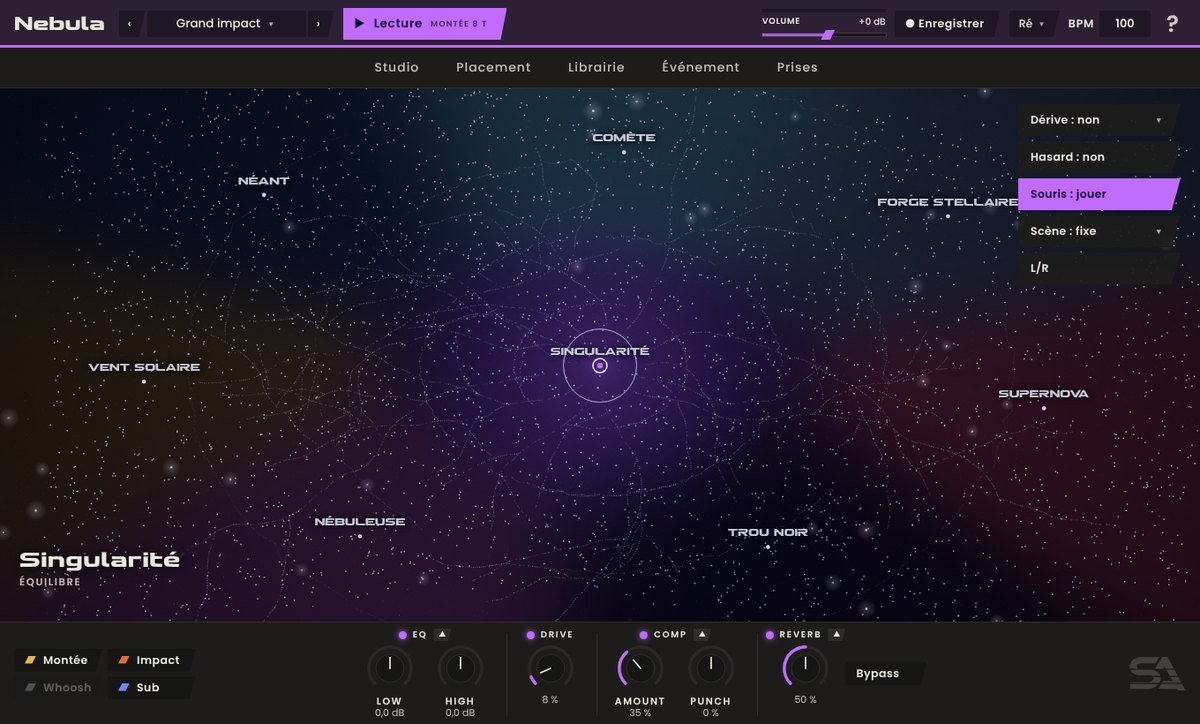
Nebula’s Placement view
In Placement, you are at the center, with the front at the top. Each layer has its marker there: fixed (solid marker), on a path of points (it passes through each one), on a trajectory (dotted line and arrow: the sound travels from the start to the end of the layer) or in orbit (it circles around you). Drag a marker to move it; double-click to hear the layer. The position really changes the sound: farther away, quieter, darker, more room; behind, duller; moving, the pitch changes like in real life. Subs have no direction.
| Layer | Placement | Result |
|---|---|---|
| Low Pass-by | trajectory from far left to front right | it arrives from afar, passes and leaves |
| Whoosh | trajectory left → right, very close | the closest pass, strong Doppler |
| Sub | fixed (no direction) | the weight stays in the center |
| Tail | fixed, at the back | the room behind the action |
Frequently asked questions
How do I give depth to a sound effect?
Combine three settings: less volume, less top end and more reverb compared with the direct sound. Volume alone only makes the sound quieter.
How do I move a sound from left to right?
Automate the pan, and at the same time the volume and brightness, to mark the moment the sound passes closest. A slight pitch drop at that moment adds the Doppler effect.
Should the sub be spatialized?
No: below 100 to 120 Hz, the ear can’t locate sound. Keep the low end in the center, in mono.
Can you make sound come from “behind” in stereo?
In stereo, you suggest the back by making the sound a little duller and more reverberant. For a true rear position, you need a multichannel mix (5.1, Atmos).
Updated on November 23, 2026.