Virtual choir: writing, singing words and mixing voices
A virtual choir sounds wrong for specific reasons: voices placed outside their range, vowels that never move, block chords without voice leading, a room that is too small.
These tutorials cover basic choral writing, sung text, vocal textures and mixing. The method works for every choir library; Nuée, a dreamlike choir, is the example, playable right on the page.
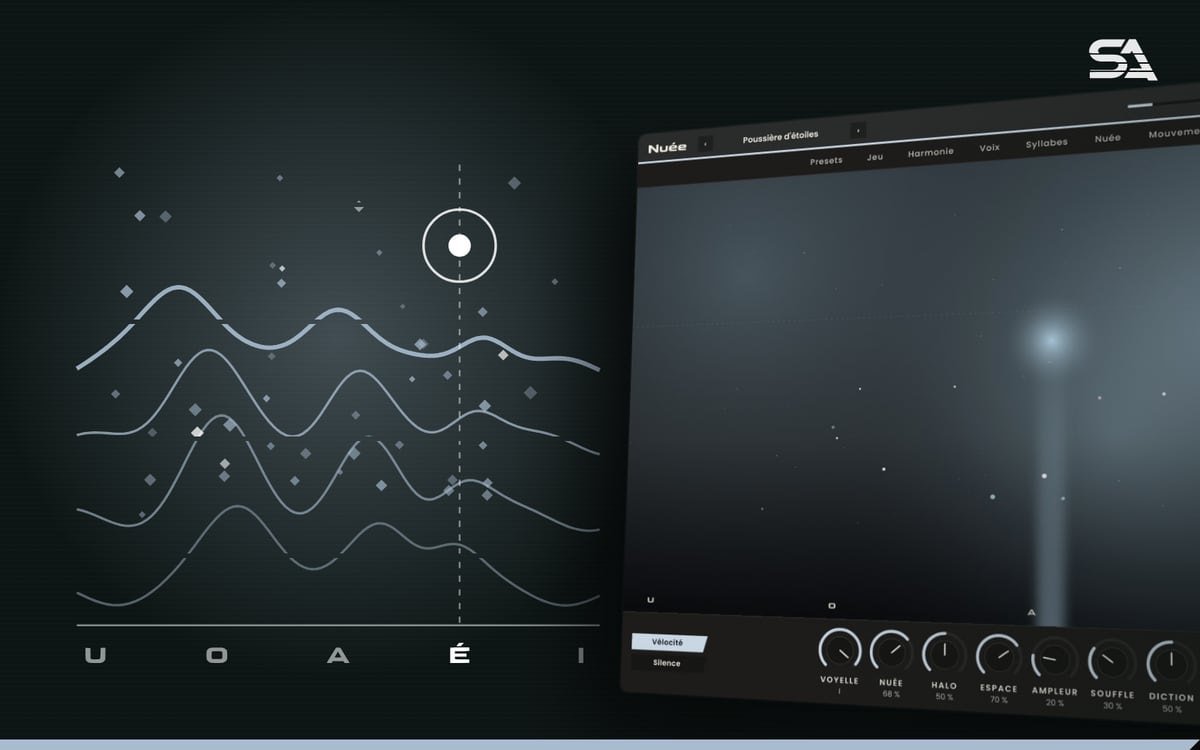
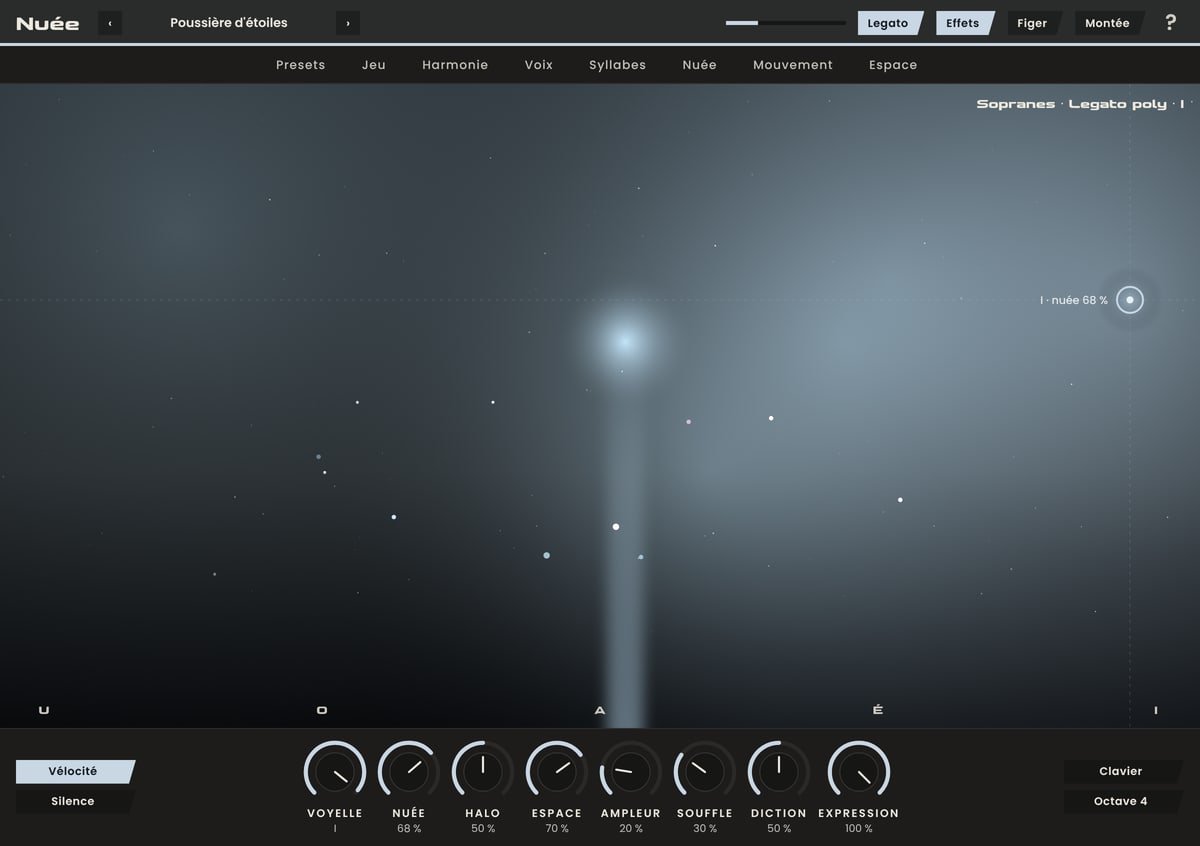
A choir that doesn’t chase realism. It dreams.
- A stage to travel across: from left to right the vowel, from the dark U to the bright I; from bottom to top, the grain cloud.
- Sung words with their consonants (Lu-mi-na, Ky-ri-e, Glo-ri-a… or your own), and a legato that glides like a bow.
- Four-voice chords, arpeggios, echoes from one section to another, rises and impacts: a whole choir on a single track.
All tutorials
Writing for a virtual choir: the complete method
Respect each section's range (sopranos, altos, tenors, basses), lead each voice as a singable line, make the vowels move with the music, connect the notes of a phrase and place the choir far back, in a large room.
Read the tutorial →Nuée · IntermediateMaking a virtual choir sing words
Split the text into syllables, one per note, choose words with open vowels, slightly move forward the notes that start with a consonant so the vowel lands on the beat, and keep diction sharper up high.
Read the tutorial →Nuée · IntermediateChoir textures for film music
Start from a held vocal chord, cut it into grains (granular synthesis), freeze the texture to make it last, add a halo an octave above and some whispers, and place it all in a very large room.
Read the tutorial →Nuée · IntermediateMixing a virtual choir, alone or with an orchestra
Clean up the low end below 100 Hz, remove a little muddy mids around 250 to 400 Hz, soften the sibilants, spread the sections across the width and place the choir at the back of the stage, in the same large hall as the orchestra, a little wetter than the strings.
Read the tutorial →See these settings in Nuée
Every tutorial builds on the same interface, playable on the plugin page.