Humanizing MIDI and leaving mechanical playing behind
MIDI programmed with the mouse sounds mechanical: same velocities, same accents, no intention. Humanizing doesn’t mean adding randomness everywhere. A musician has an intention, then strays from it a little.
These tutorials explain the problem, the method by hand, then how to automate it with Gauss Shifter: an intention curve, a Gaussian spread, layers by rhythm or by pitch.
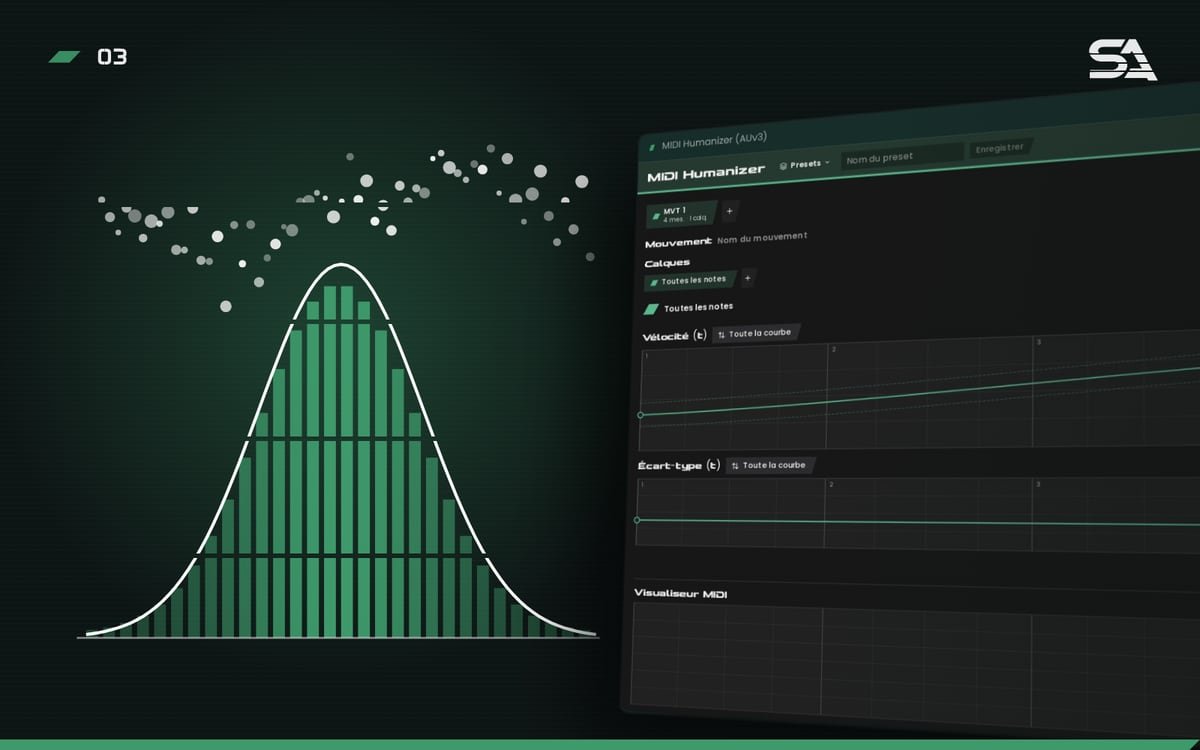
Velocities that breathe, not velocities that roll dice.
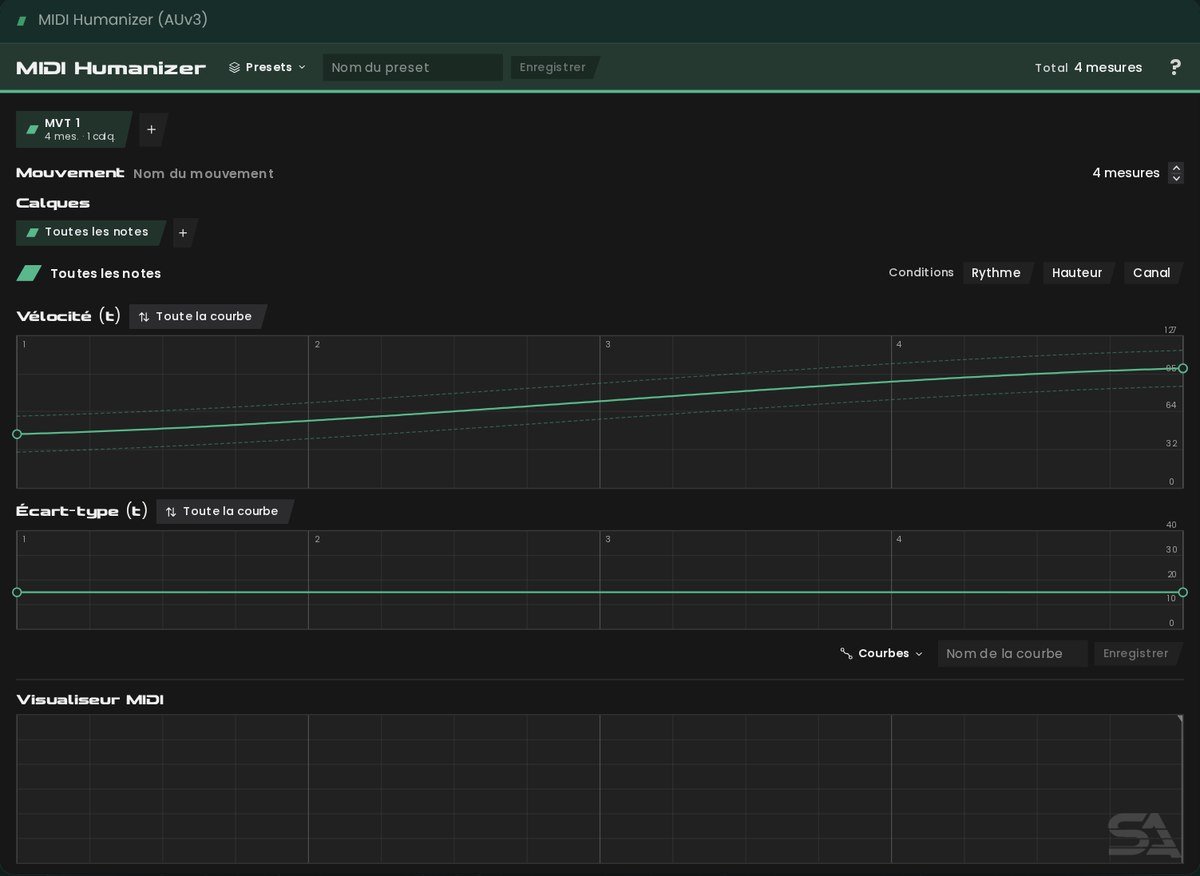
- An intention curve drawn over the whole passage: crescendos, phrases, deliberate accents.
- A Gaussian spread around that curve: life, never chaos.
- Layers by rhythm or by pitch: the bass, the downbeats and the passing notes don’t move the same way.
All tutorials
How to humanize MIDI: the complete velocity method
Humanizing MIDI first means varying velocities with intention: a dynamic that evolves, accented strong beats, and small deviations around that line, never pure randomness.
Read the tutorial →Gauss Shifter · BeginnerWhy MIDI sounds robotic (and how to fix it)
MIDI sounds robotic mostly because every note has the same velocity: the instrument replays the same attack, with no accent or dynamics. Placement that's too perfect makes it worse.
Read the tutorial →Gauss Shifter · BeginnerVarying MIDI velocities: piano, strings and drums
Bring the part to an average (often 60 to 80), go up on the strong beats and the peaks of phrases, go down on the weak notes, then vary each note by a few points.
Read the tutorial →Gauss Shifter · IntermediateVelocity curve and standard deviation: humanizing without randomness
The velocity curve gives the intention, the standard deviation the spread around it. With a normal distribution, two notes out of three stay within one standard deviation of the curve: 10 is a good start.
Read the tutorial →Gauss Shifter · IntermediateAccenting strong beats in MIDI: layers and movements
Treat notes in groups: by their position in the bar (strong beats, offbeats), their pitch (melody, bass) and the section of the piece, each group with its own dynamic.
Read the tutorial →Gauss Shifter · IntermediateHumanizing MIDI strings and ostinatos
Give the ostinato a hierarchy of accents (strong beats, weak beats, passing notes), a shape over the phrase (crescendo toward the peak, a breath at the end), and only then a small random variation around that intention.
Read the tutorial →See these settings in Gauss Shifter
Every tutorial builds on the same interface, playable on the plugin page.