Why a programmed ostinato sounds mechanical
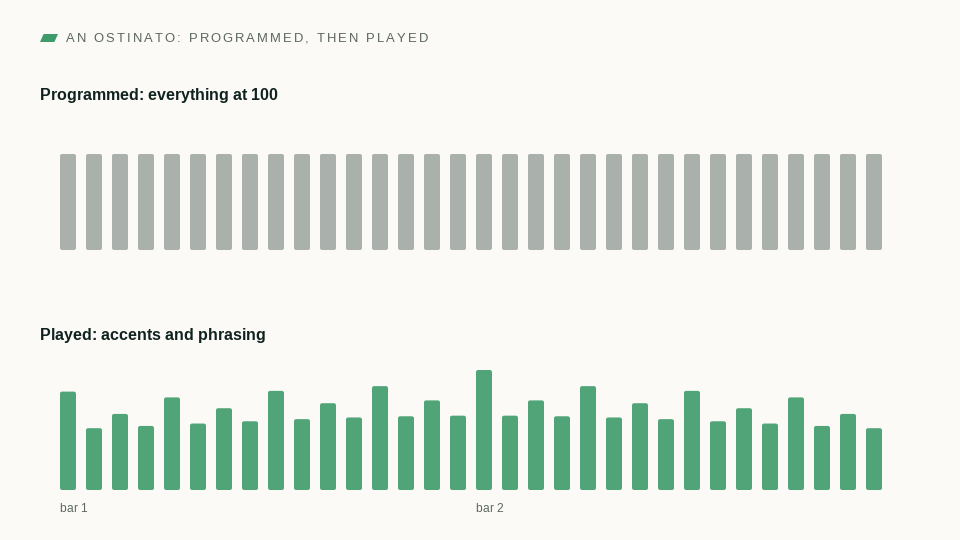
A violinist playing an ostinato doesn't strike every note the same. They accent the first beat, lighten the passing notes, change bow strokes, push toward the end of the phrase. A sequencer's randomness (velocity ± 10) reproduces none of that: it adds disorder with no intention.
Step 1: the hierarchy of accents
| Position in the bar | Relative velocity | Role |
|---|---|---|
| First beat | the loudest | The anchor |
| Other beats | a little less | The pulse |
| Eighths between beats | less | The motion |
| Passing sixteenths | the softest | The glue |
The differences don't need to be big: 8 to 15 velocity points between the anchor and the passing notes are enough to make a hierarchy heard.
Step 2: the shape of the phrase
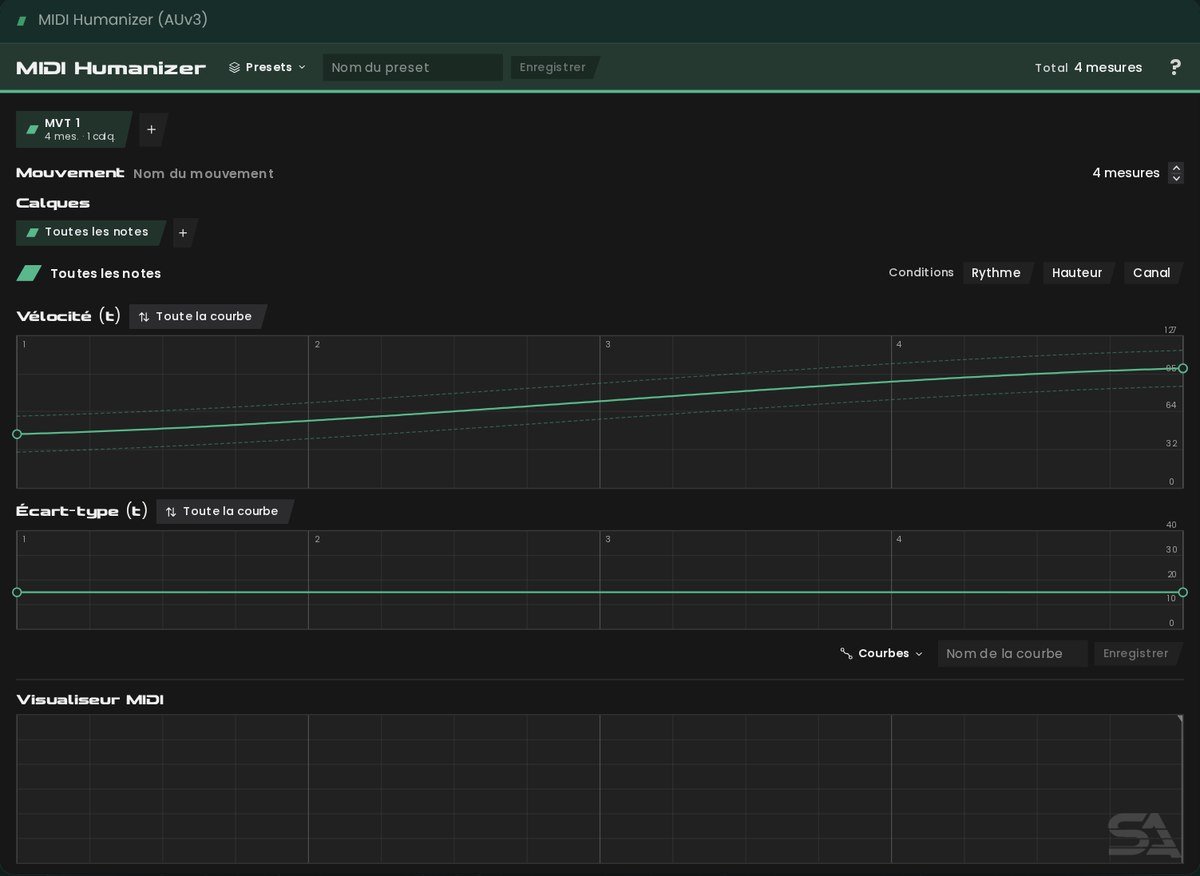
An ostinato lives over two or four bars: it swells toward its peak and relaxes. Draw this shape on velocity (or on expression, CC11, if the library uses it for short notes). It's this curve, more than the accents, that gives the feeling of a musician thinking about the phrase.
Step 3: variation around the intention
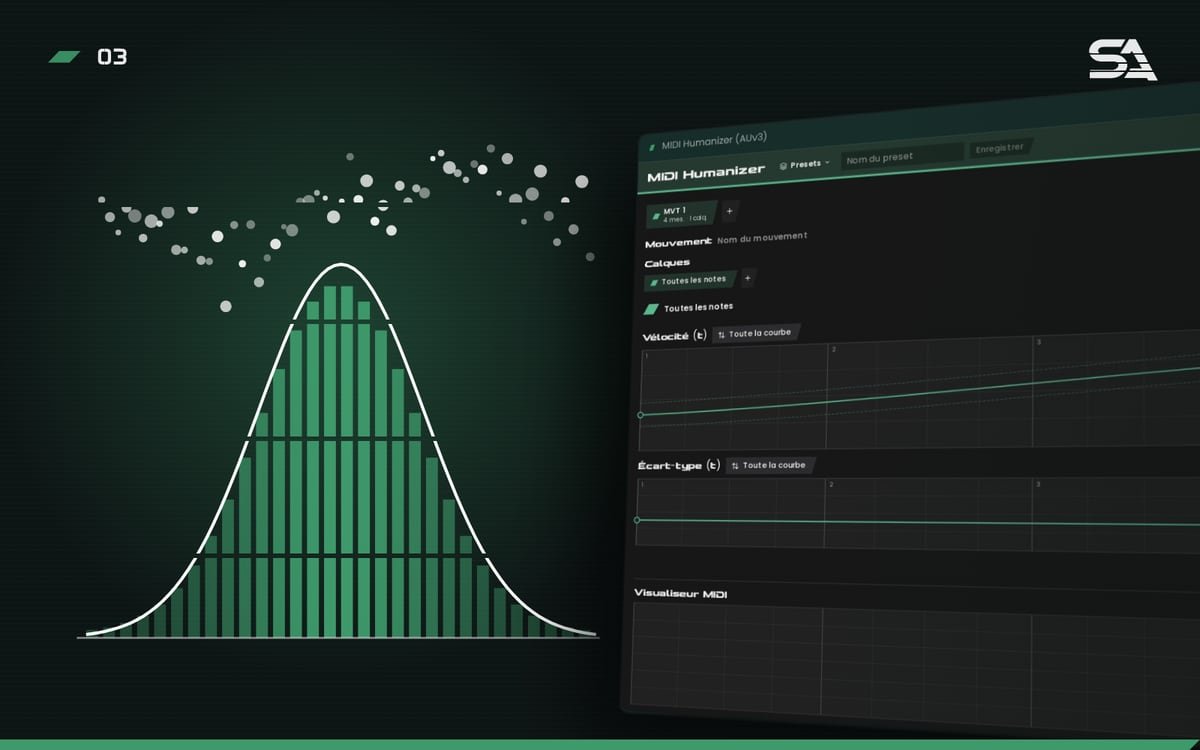
Only now do you add variation: small (a standard deviation of 3 to 6 points), and bell-shaped around the intention, not uniform. Most notes stay close to what's intended, a few stray from it. That's the difference between a musician and a coin toss. The tutorial velocity curve and standard deviation explains why.
What about timing?
For an ostinato, stay careful: fast strings must stay in place. A few milliseconds of offset per section (second violins slightly after the firsts) opens up the ensemble, but a random note-by-note offset blurs the pulse. The tutorials on this site mostly work on velocity, which brings most of the realism.
With Gauss Shifter: layers by rhythm
Gauss Shifter sits on the MIDI track and rewrites velocities during playback. Each movement (a number of bars) has its intention curve and its standard deviation, drawn over time. Layers sort the notes by conditions: position in the bar (rhythm), pitch, MIDI channel. One layer for the strong beats, one for the offbeats, one for the rest: the hierarchy from step 1 is done.
For the general method, start with humanizing MIDI; for layers in detail, see humanizing with layers and movements.
Frequently asked questions
How do you make a string ostinato sound real?
Accent the strong beats, lighten the passing notes, draw a velocity wave over each phrase of two or four bars, then add a small bell-shaped variation around that intention.
Should you humanize an ostinato's timing?
Carefully: a slight offset between sections opens things up, but a random note-by-note offset blurs the pulse. Velocity brings most of it.
How big a gap between accents and weak notes?
8 to 15 velocity points are usually enough. Beyond that, the ostinato becomes choppy.
Velocity or expression for an ostinato?
For short notes (spiccato, staccato), velocity usually matters most; expression (CC11) is for the overall shape. Check how your library uses them.
Updated on October 22, 2026.