Mixing a virtual orchestra and making it sound real
A sample orchestra sounds flat for a simple reason: every instrument arrives at the same place, right in front of you. A real orchestra lives in a hall. Each section has its place, its distance, its Early reflections.
These tutorials go from the general method (which works with any tool) to the precise move in Philharmonia. Start with the complete guide, then dig into whatever is holding you back: placement, Reverb settings, choosing the hall, depth for a dry library.
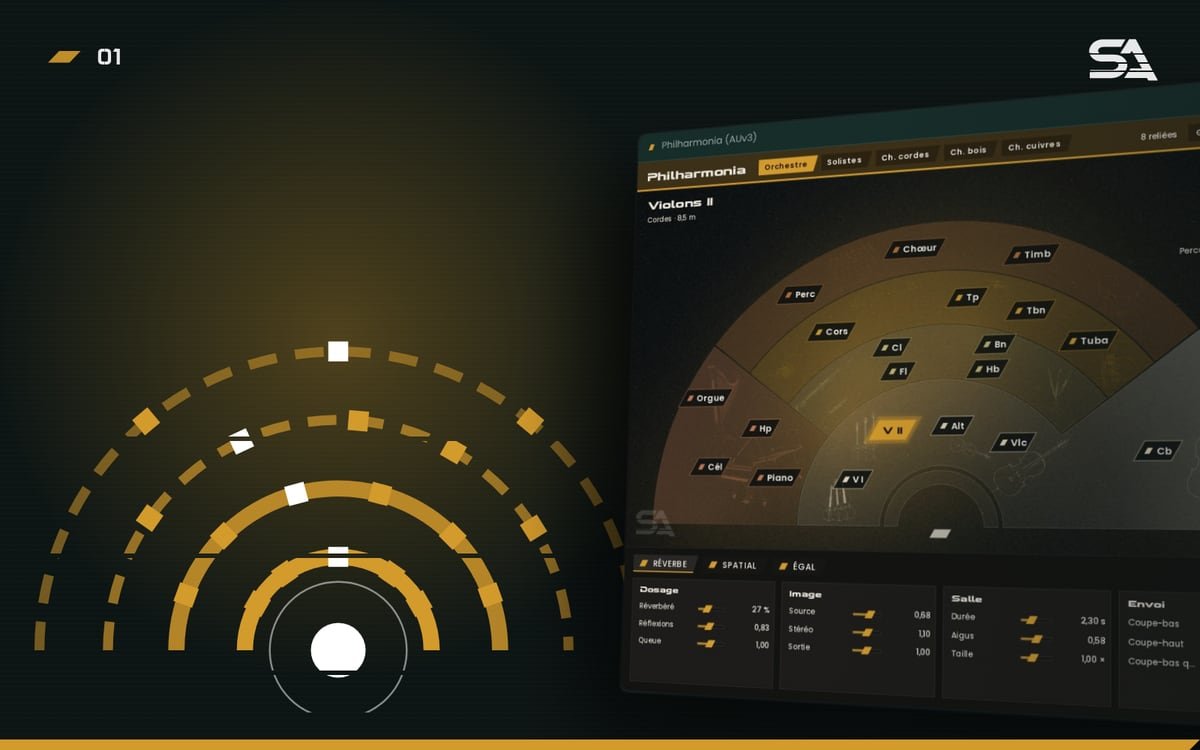
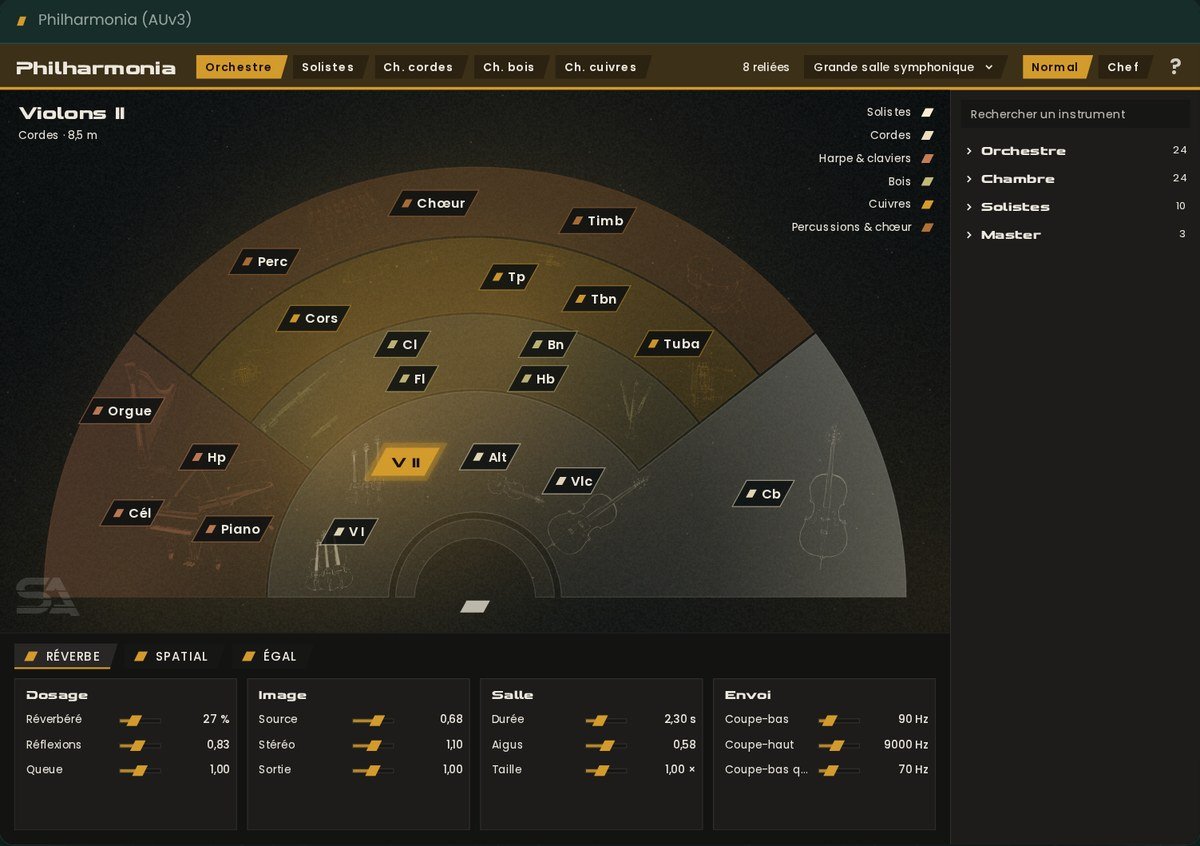
Place the instrument on stage, Philharmonia takes care of the rest.
- A seating plan: every section in its real place, in meters around the conductor. Move the instrument, and Reverb, Pan and EQ follow.
- Early reflections calculated from that place: depth comes from distance, not from a “more Reverb” knob.
- Five halls, soloists and three chamber ensembles; one instance per track, all linked: a conductor who sees the whole orchestra.
All tutorials
How to mix a virtual orchestra in Logic Pro
Put each section in its place, build depth through distance (reflections, wet amount, highs), make everyone play in a single hall, then balance the families on buses.
Read the tutorial →Philharmonia · BeginnerHow to make a virtual orchestra sound real in the mix
A virtual orchestra sounds real when everyone plays in the same hall, each at their own distance, with lows and highs that match that distance.
Read the tutorial →Philharmonia · IntermediateReverb settings for orchestra: good starting points
A shared hall around 2 s, a wet amount that grows with distance, strong Early reflections up front, and a send filtered between 80 Hz and 9 kHz.
Read the tutorial →Philharmonia · BeginnerPlacing an orchestra's instruments on a virtual stage
Recreate an orchestra's layout: strings in front, woodwinds in the middle, brass and percussion at the back. Place the strings first, then each family further away, with moderate panning.
Read the tutorial →Philharmonia · BeginnerChoosing the hall for a virtual orchestra
Choose the hall based on the ensemble and the tempo: a large hall around 2.3 s for symphonic music, a drier scoring stage for picture, a small room for chamber music, a church for slow music.
Read the tutorial →Philharmonia · IntermediateAdding depth to an orchestral sample library
Depth doesn't come from volume: it comes from the direct / room ratio, the gap before the Early reflections, the loss of highs and attack, and a narrower image.
Read the tutorial →Philharmonia · IntermediateImproving your orchestral mix: the 9 mistakes that keep coming back
Most failed orchestral mixes pile up the same mistakes: several different Reverbs, every section at the same distance, too much low end, brass too close, speaker panning instead of a stage, and levels set before space. Fix them in that order.
Read the tutorial →Philharmonia · IntermediateBalancing strings, woodwinds and brass in a virtual orchestra
Start from the real power of the families (brass very loud, strings numerous but softer, woodwinds fragile), write accordingly (doublings, registers), layer the families in depth, then adjust by family bus, never section by section at random.
Read the tutorial →See these settings in Philharmonia
Every tutorial builds on the same interface, playable on the plugin page.