Why dry samples sound flat
Most orchestral libraries offer close mics, often a few dozen centimeters from the instrument. It's handy: the sound is precise, with no room, and you can place it wherever you like. But then every instrument arrives on the same plane, stuck in front of the speakers.
In a real orchestra, a front-row violin and a trombone at the back are not at all the same distance from the listener. Sometimes ten meters apart. The ear knows it, and it looks for precise cues to confirm it. If you don't give them, the orchestra stays flat, even with lots of Reverb.
The six distance cues the ear uses
- The ratio between direct and reverberant sound. It's the strongest cue. The further away a source is, the more the room weighs against it.
- The gap between the direct sound and the Early reflections. Up close, the direct sound arrives well before its echoes. From far away, they arrive almost together. That's what the Pre-delay sets.
- The loss of highs and presence. With distance, the air and the room's surfaces absorb more of the highs: a distant instrument sounds a little rounder, less bright.
- Softened attacks. The transients, those very fast note onsets, partly get lost in the reflections.
- A narrower image. A distant instrument takes up a smaller angle. Its echoes, however, stay wide.
- The level. It drops, of course. But on its own, it's the least convincing cue: a quiet, close sound is still a close sound.
This interactive tool needs JavaScript.
Dry, semi-dry or wet: start from what you have
| Library type | What it contains | What to add | The trap |
|---|---|---|---|
| Dry, close mics | Almost no room | Everything: wet amount, Early reflections, Tail, loss of highs with distance | A single setting for every section |
| Semi-dry | A little room, often short | A shared Tail, Early reflections for placement | Stacking two long halls |
| Wet, ambient mics | Its own hall, and often the section's place | Very little, sometimes nothing | Adding a big Tail on top |
If your library offers several mic positions, you can already dose distance with them: more close mics to bring forward, more ambient mics to push back. But blending different libraries is still easier from the close mics, with a shared hall added afterwards. The guide on making a virtual orchestra sound real covers that blend in detail.
Layering the orchestra on three planes
No need to calculate every meter. Three planes are enough for the ear to perceive real depth.
- 1
Define the planes
Front: strings and soloists. Middle: woodwinds and horns. Back: trumpets, trombones, tuba, timpani and percussion. The choir, if there is one, goes all the way at the back.
- 2
Set the front plane
Little Reverb, clearly present Early reflections, a moderate Tail, a longer Pre-delay. The highs stay intact.
- 3
Set the middle plane
A little more Reverb, a shorter Pre-delay, a slight drop in presence. Each woodwind's image stays narrow.
- 4
Set the back plane
Even more Reverb, a very short Pre-delay, less high end and rounder attacks. Only lower the fader last, if needed.
- 5
Check in the tutti
Close your eyes. You should hear three distinct layers. If two planes merge, increase the gap on one cue at a time.
Indicative values, from standard acoustics and Philharmonia's help. What matters is the gap between the planes more than the numbers themselves.
| Front plane, wet amount | Low, below about 35% | Beyond that, the instrument moves back and its attacks soften. |
|---|---|---|
| Front plane, Pre-delay | 20 to 40 ms | The direct sound arrives clearly before the echoes. |
| Back plane, Pre-delay | 0 to 10 ms | Direct sound and echoes arrive almost together. |
| Back plane, highs | A slight drop in presence and highs | Distance rounds off the tone. |
| Send to the hall | Low cut around 80 Hz, High cut around 9 kHz | Depth stays clean instead of getting blurry. |
| Fader | Last | Level alone doesn't create distance. |
What crushes depth without you noticing
You've layered your planes properly, and yet the depth disappears at the final mix. A few culprits come up often.
- A single Reverb on the output bus. It gives everyone the same space, so the same distance. It can serve as a light glue, never as depth.
- Heavy compression on the mix. It brings up the Reverb Tail and the quiet sounds at the back: everything comes back to the same plane. Keep it very light.
- Too much brightness at the back. An exciter or an EQ that adds air across the whole orchestra brings the brass and percussion forward.
- Maximum width everywhere. If every section takes up the whole stereo field, the ear can no longer tell which one is far away. Keep the back sections narrower.
- Unfiltered low end in the hall. Mud in the lows masks the small Reverb details that convey distance.
A quick test
Turn the Reverb off on the whole orchestra for a few seconds, then turn it back on. The planes should form again right away: the strings stay in front, the brass go back to the back. If everything moves back as a block, your amounts are too close from one plane to the next. If nothing moves, Early reflections are missing.
With Philharmonia: distance sets everything else
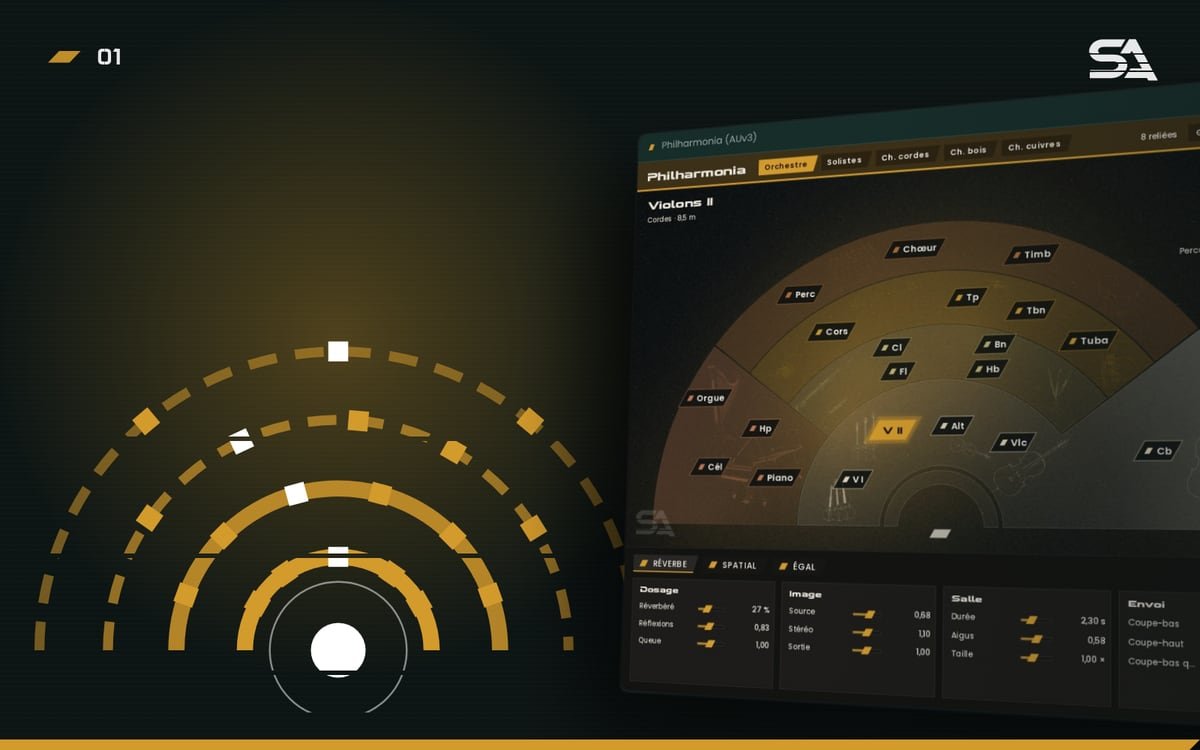
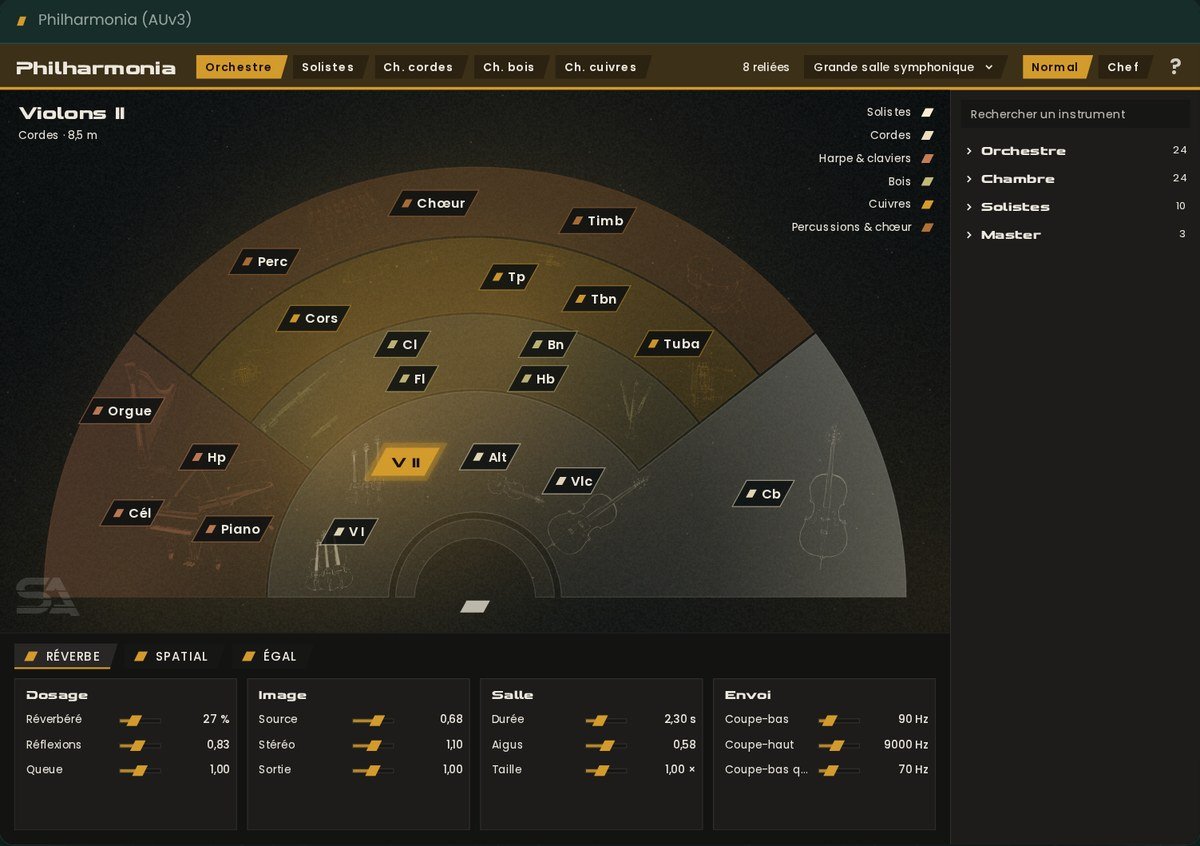
In Philharmonia, these six cues aren't set one by one. The section's place on the plan decides the Early reflections, and so the depth. Drag the tag toward the back: its position, pan, wet amount and Early reflections follow the distance, and the distance from the listening point is shown in meters.
The EQ module handles the loss of presence. The further away a section is, the more presence it loses: this module corrects the tone based on distance. The automatic correction is drawn as a dotted line, the total response actually applied as a solid line. You can reshape it: a double-click on an empty spot adds a point, a double-click on a point removes it.
- 1
Place the section
Pick it in the list or click its tag, then adjust its place by dragging it across the stage.
- 2
Dose the distance correction
In the Settings panel of the EQ module, the Correction slider sets the amount of automatic correction. A section at the back loses presence and gets rounder; at zero, the chain is strictly transparent.
- 3
Cut the useless low end
The instrument's Low cut removes the bottom before everything else, so also before what goes into the Reverb. It's the basic move to keep the back of the stage clean.
- 4
Fine-tune Early reflections and Tail
In the Mix panel, raising the reflections brings things closer without making them wetter; lowering the Tail keeps the hall without making it longer.
Next, see where to seat each family in the guide on placing instruments on the virtual stage, then set the shared hall with the Reverb settings for orchestra. The pillar guide on mixing an orchestra ties all these steps together.
Frequently asked questions
How do you add depth to an orchestral mix?
Vary several distance cues together: the amount of Reverb, the gap between the direct sound and the Early reflections, brightness, attack sharpness and width. Layer the orchestra on three planes, front, middle and back. Level comes last.
Why isn't lowering the volume enough to push an instrument back?
Because a quiet, close sound is still a close sound. The ear judges distance mainly by the ratio between direct sound and room, and by when the echoes arrive. Without them, the instrument is just quieter.
What Pre-delay for an instrument at the back of the stage?
Very short, about 0 to 10 ms, because from far away the direct sound and the echoes arrive almost together. For a close instrument, go up to around 20 to 40 ms. It's the gap between the two that creates depth.
Should you EQ the instruments at the back?
A slight drop in presence and highs helps a lot, because distance rounds off the tone. Stay subtle: a few decibels are enough. In Philharmonia, that's the job of the EQ module's distance correction.
My library has several mics, should I still add Reverb?
If you use its ambient mics, it already has its hall and often the right distance. Then add very little, or nothing. If you blend several libraries, start from the close mics instead and add a shared hall.
Updated on October 30, 2026.