Turning MIDI into sheet music
You compose in your sequencer and now you need a score that musicians can read. Between MIDI notes and a well-engraved page, there is quantization, key signatures, clefs, hands, dynamics.
These tutorials follow the whole path: turning MIDI into a score, writing a full orchestral score, splitting the piano hands, correcting by hand, exporting to MusicXML or PDF. Stradal Score is the example, the method works with any tool.
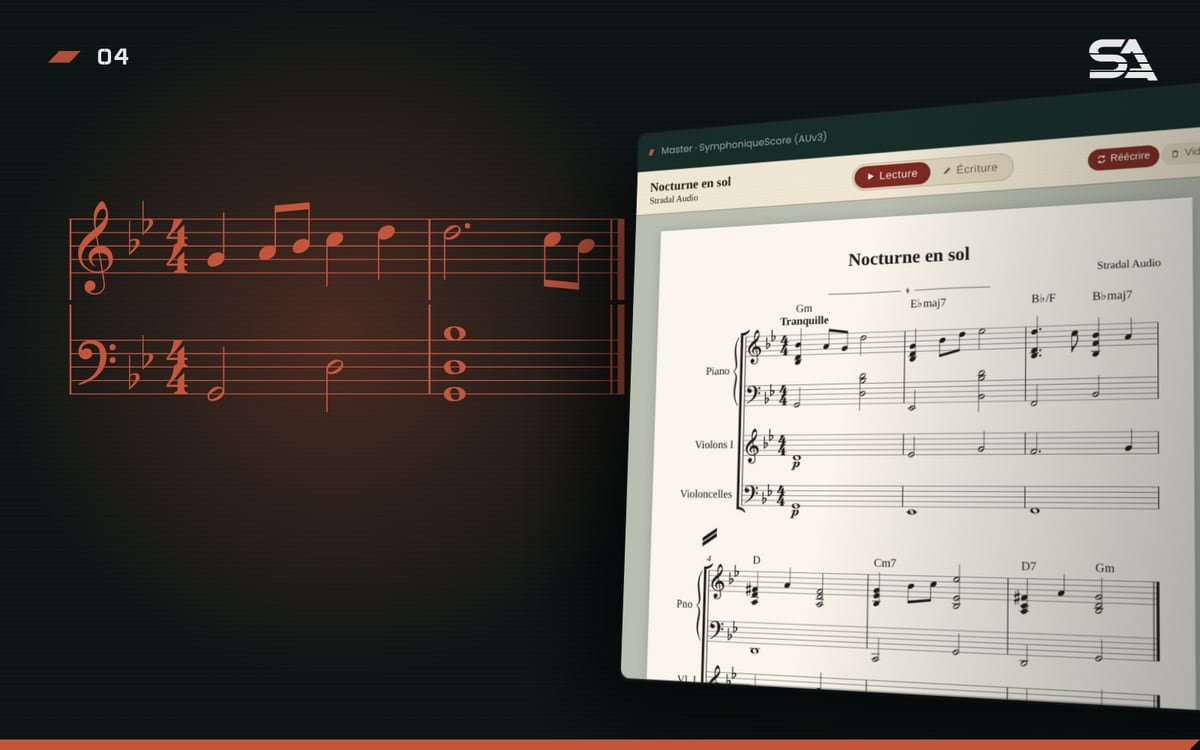
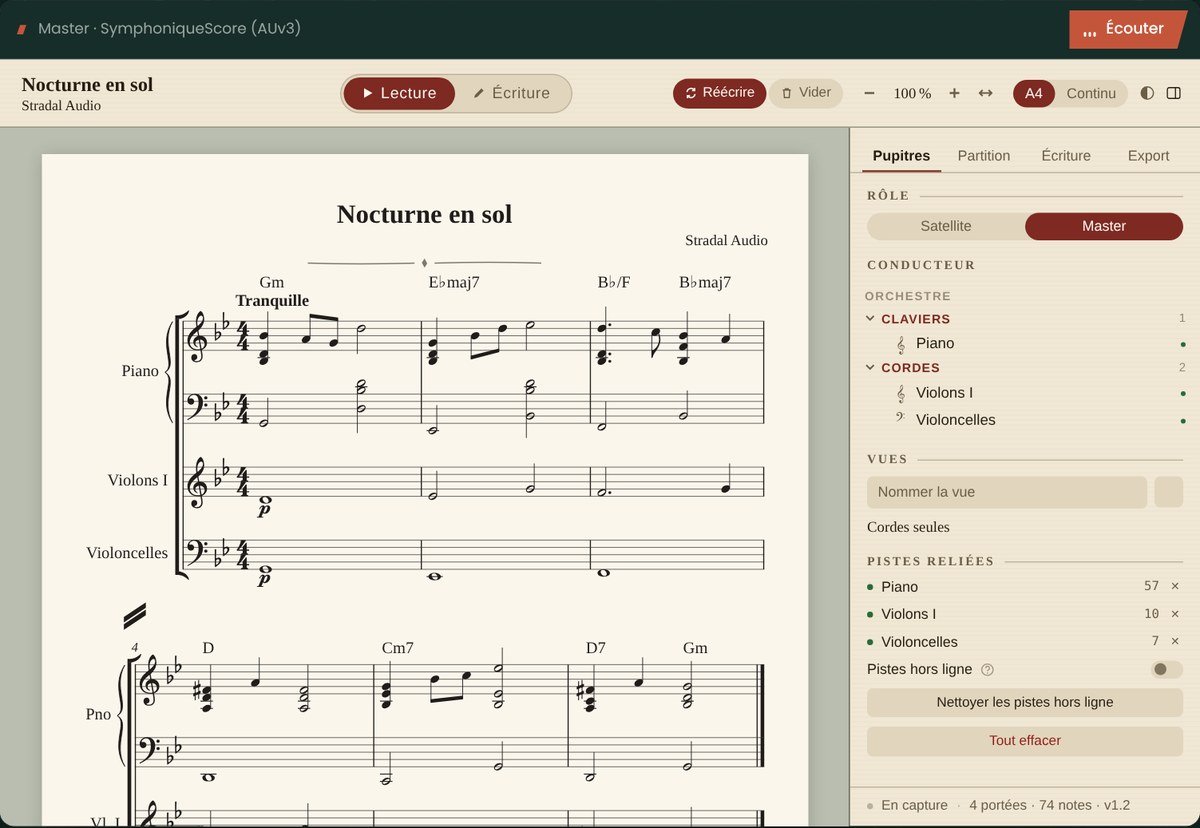
Press play, the score writes itself.
- A Satellite instance per track sends its notes, a Master instance writes the whole score, live during playback.
- Real engraving (Verovio) that understands harmony: beams, tuplets, ottavas, keys, leading tones, chord symbols.
- Exports to PDF, MusicXML, PNG, SVG and MIDI, for players, copyists or your notation program.
All tutorials
How to turn MIDI into readable sheet music
Clean up the MIDI, quantize it to the smallest value you actually played, set key and meter, check clefs and ranges, then add phrasing, dynamics and articulations by hand.
Read the tutorial →Stradal Score · IntermediateWriting a full orchestral score from Logic Pro
One Logic track per part, named and arranged in score order (woodwinds, brass, percussion, keyboards, strings), ranges checked, then engraving or MusicXML export.
Read the tutorial →Stradal Score · BeginnerExporting a score to MusicXML or PDF from Logic
MusicXML to keep working in a notation program (it keeps clefs, key signature, slurs, articulations), PDF to print or send, MIDI only to replay the notes elsewhere.
Read the tutorial →Stradal Score · IntermediatePiano sheet music: splitting left hand and right hand
Don't split at middle C: give each hand what it can reach (about an octave), keep the melody on top, and prefer 8va or a clef change to stacked ledger lines.
Read the tutorial →Stradal Score · IntermediateReading and correcting a score generated from MIDI
Proofread in layers: rhythm, then note spelling, then phrasing, dynamics, articulations, pedal and playing techniques. Everything that says how to play is added by hand.
Read the tutorial →Stradal Score · BeginnerPreparing your MIDI for clean sheet music
One track per instrument and per staff, notes quantized to the finest value actually played, cleaned-up lengths (no overlaps or micro-gaps), key and time signature changes set in the project, and no stray notes.
Read the tutorial →See these settings in Stradal Score
Every tutorial builds on the same interface, playable on the plugin page.