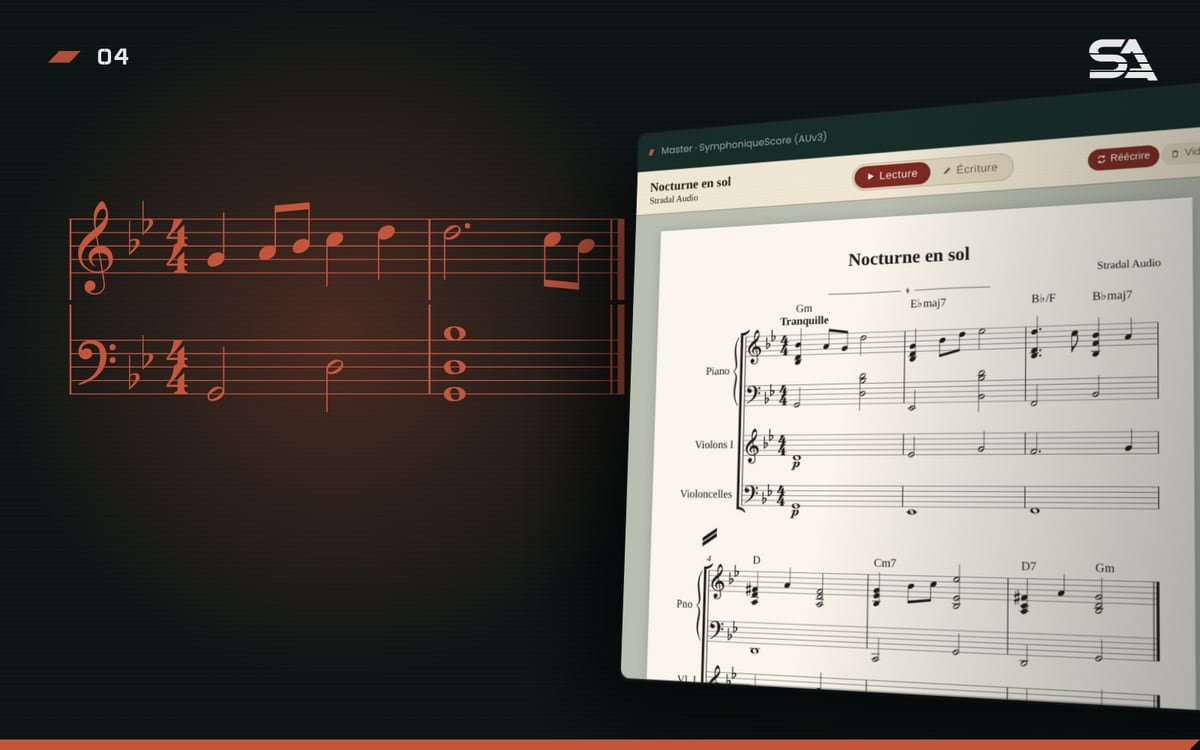
Why prepare the MIDI
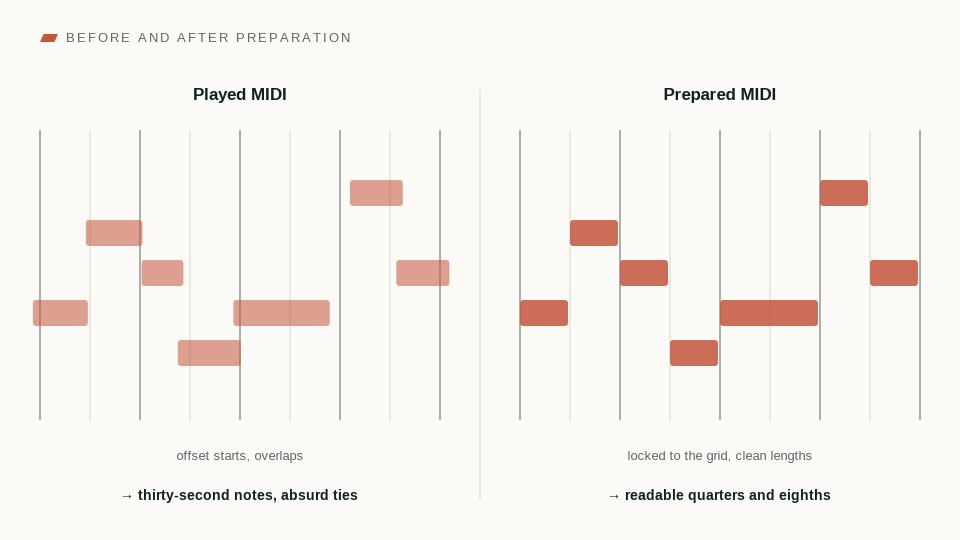
Played MIDI contains information the score doesn't want: a note that starts 12 milliseconds early, another that spills over the next one, a key brushed by mistake. To the ear, these are nuances; to the score, they're dotted thirty-second notes and absurd ties.
1. One track per instrument (and per staff)
Each instrument in the score must have its own track. For two-staff instruments (piano, harp), separate left hand and right hand, or let the software split them, but check the result: see piano sheet music, left hand and right hand. Doubling tracks (the same section on three libraries) must be grouped or excluded.
2. Quantize at the right level
Quantize to the finest value actually played in the passage: to the eighth for a chorale, to the sixteenth for an ostinato, to triplets only where there are some. Quantization that's too fine keeps the inaccuracies; too coarse, it destroys the rhythms. Triplet passages are quantized separately.
3. Clean up note lengths
- Overlaps: a note that spills over the next one becomes a tie or a chord. Shorten it up to the start of the next one (Logic's "Legato" or "Remove overlaps" function).
- Micro-gaps: a note that stops a hair before the next one creates tiny rests. Lengthen it.
- Very short notes: a 5 ms note is almost always an accident. Delete it.
4. Key, time signatures and tempo
Enter the key and every time signature change in the project. Without that, the software picks accidentals at random (D flat instead of C sharp) and bars drift. If the tempo varies a lot (rubato), record with a tempo that follows the playing rather than a fixed tempo: otherwise the rhythms become unreadable.
5. Transposing instruments
Play everything in concert pitch (what you hear) and let the software transpose the B flat clarinets, the horns in F, the B flat trumpets. Never transpose the MIDI itself: the sound would be wrong. Double bass and piccolo octaves follow the same logic.
6. Check before exporting
- 1
Read the score while listening
Mistakes jump out when sound and picture move forward together.
- 2
Look for odd values
Isolated thirty-second notes, unexpected dotted notes, ties over three bars: each one signals a flaw in the MIDI.
- 3
Fix it in the MIDI, not on the page
If the score regenerates, a correction made on the page disappears; a correction in the MIDI stays.
For detailed proofreading, see reading and correcting a score generated from MIDI.
With Stradal Score
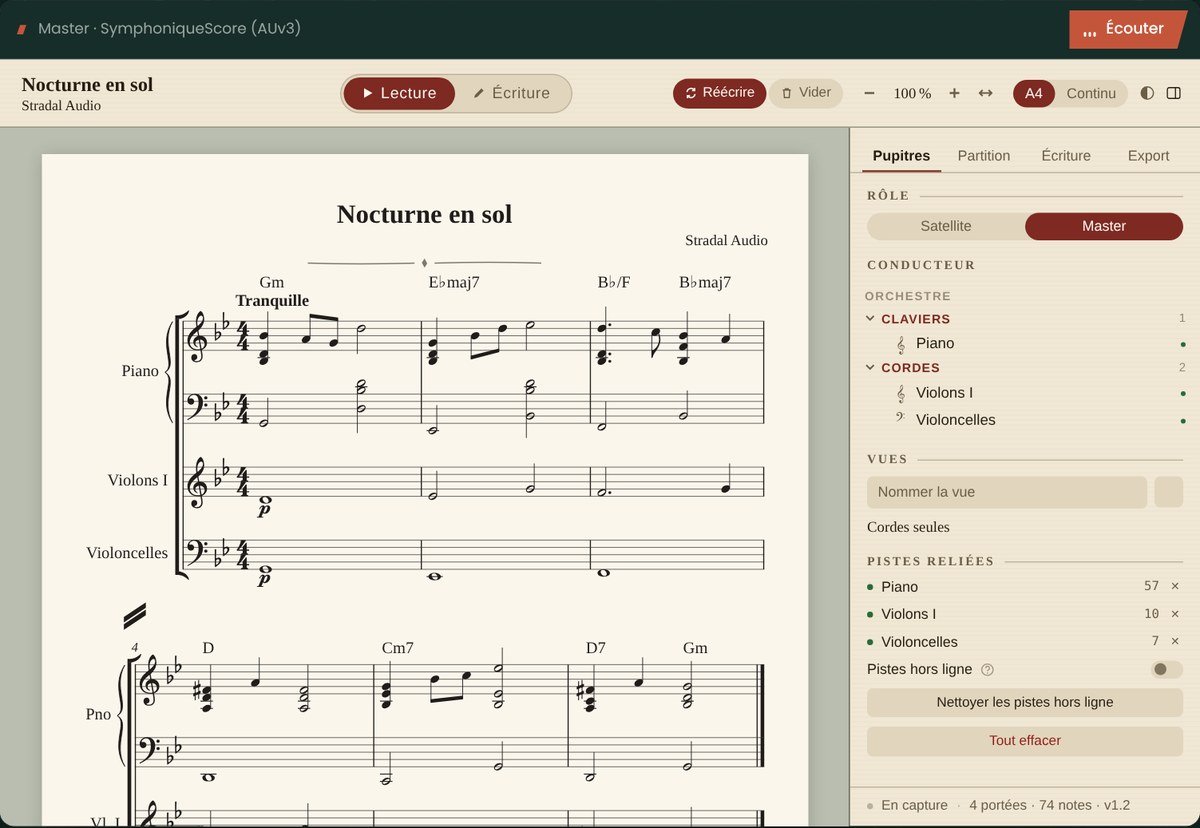
Stradal Score reads each track's MIDI during playback (one Satellite instance per track, one Master instance that engraves the full score) and writes it with real engraving (Verovio): beams, tuplets, ottavas, keys, leading tones. MIDI prepared with this checklist gives a readable page from the start; you then export to PDF, MusicXML, PNG, SVG or MIDI.
Frequently asked questions
Should you quantize MIDI before making sheet music?
Yes, to the finest value actually played in the passage. Keep an unquantized copy for the sound if you want to keep the feel.
Why does my score show absurd rhythms?
Because of playing inaccuracies: offset starts, overlaps, micro-gaps. Quantize and clean up note lengths in the MIDI.
Should you transpose the MIDI of transposing instruments?
No. Play in concert pitch and let the notation software transpose the display. Transposing the MIDI would make the sound wrong.
How do you avoid wrong accidentals?
Enter the key (and its changes) in the project: the software then chooses the right enharmonics.
Updated on October 22, 2026.