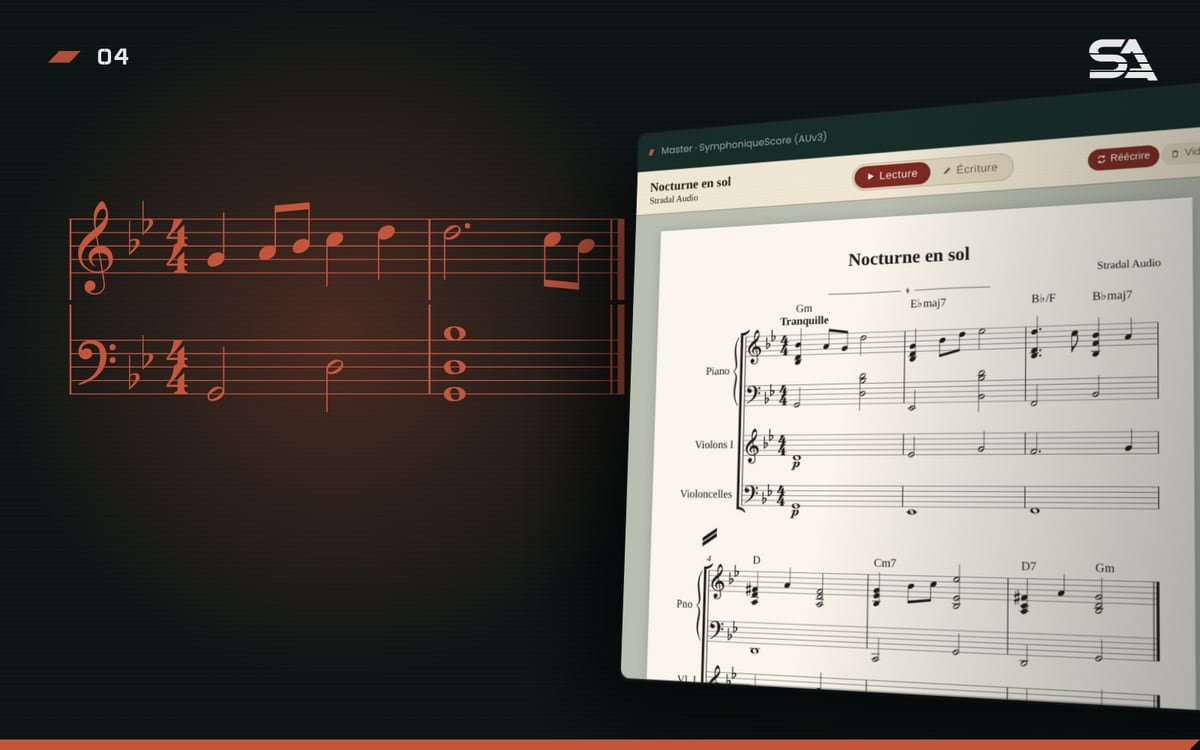
Which format for which use?
There's no "best" format: each one answers a different question. Do you want someone to read the score, someone to edit it, or software to replay it?
| Format | Main use | What it carries |
|---|---|---|
| Print, send to a musician, archive | The page as is, frozen. Readable everywhere, not editable as a score | |
| MusicXML | Keep working in MuseScore, Dorico, Sibelius or another notation program | Notes, rhythms, clefs, key signature, meter, slurs, articulations, dynamics, staff names |
| MIDI | Replay the notes in a sequencer | Pitches, lengths, velocities, tempo, a few markers. No notation |
| PNG | Illustrate an article, a post, a presentation | A pixel image |
| SVG | Insert into a document while keeping it sharp | A vector image, sharp at any size |
Before exporting: the four checks
An export doesn't fix anything, it copies. If the score is poorly prepared in Logic, it'll arrive poorly prepared elsewhere. Take two minutes to check:
- Track names: they often become staff names. "Violins I" is better than "Inst 4".
- The project's key and meter, with modulations and time signature changes in the right place.
- Quantization: a score quantized too fine exports with its stray thirty-second notes. The rules are in how to turn MIDI into sheet music.
- Notes that don't belong on the score: keyswitches, ghost notes, color doublings. Remove them or mute those tracks.
Exporting from Logic Pro, without a plugin
Logic can produce all three useful formats. The principle to know: the MusicXML export starts from what the score editor shows, so from its display quantization, its clefs and its markings. What you see is what you send.
- 1
Open the score editor
Show the tracks to export and reread the score on screen. Adjust each region's display quantization if odd values appear.
- 2
Export to MusicXML
Use the score's MusicXML export in Logic's export menu. You get a file that notation programs can open.
- 3
Export to MIDI if needed
Select the regions, then export the selection as a MIDI file. Only choose this format if the recipient needs to replay the notes.
- 4
Output a PDF
Print the score from the score editor and, in the macOS print window, save as PDF. Check the page size first: A4 in Europe, Letter in North America.
Opening the file in MuseScore, Dorico or Sibelius
All three can open MusicXML. What changes from one program to another is what it does with missing information. After opening, always check the same points:
- Each staff's instrument: the program may have recognized "Violins I" as a violin, or as a generic piano. A wrong instrument gives a wrong transposition and a wrong range.
- Transposition: a B flat clarinet should appear transposed in its separate part. If it's in concert pitch everywhere, the instrument wasn't recognized.
- Slurs and ties: a phrase slur can arrive as a tie, or the other way around. Reread the legato passages.
- Layout: it doesn't really travel. Each notation program redoes its own. That's normal, don't spend time polishing it before exporting.
If you only have a MIDI file, these programs offer quantization and tuplet detection options when opening it. Use the same grid you would have chosen in Logic, and reread every triplet.
The most common problems on arrival
When a file arrives damaged, the cause is almost always in the original project, not in the notation program. This table saves you from fixing the same mistake with every export: repair the source, then export again.
| What you see | Probable cause | Fix at the source |
|---|---|---|
| Tied thirty-second notes and tiny rests | MIDI not quantized or quantized too fine | Quantize to the smallest value actually played |
| Sharps everywhere in a piece in flats | Missing or wrong key signature in the project | Enter the key and each modulation |
| Notes six ledger lines below the staff | Keyswitches left in the regions | Delete them or isolate them on a muted track |
| An instrument named "Piano" everywhere | Generic track names | Name each track as the staff you want |
| Chords in a flute part | Overlapping legato notes | Cut each note's end at the start of the next one |
| An empty bar at the start | Project that starts before the music | Start the score at the first bar played |
One last habit: open the exported file yourself before sending it. A free notation program like MuseScore is enough to check that a MusicXML file opens correctly, even if your recipient works with other software.
Making a PDF a musician wants to read
- Page size: A4 or Letter portrait for a separate part or a small-ensemble score. A large orchestra often needs a bigger size for the full score.
- Title and composer at the top of the first page, page numbers, the instrument name on each separate part.
- Page turns: place them where the musician has a rest. A page turn in the middle of a fast run means a lost note.
- Density: four to six systems per page for a separate part. Too tight, the eye gets lost; too airy, you turn pages constantly.
With Stradal Score: one Export tab, five formats
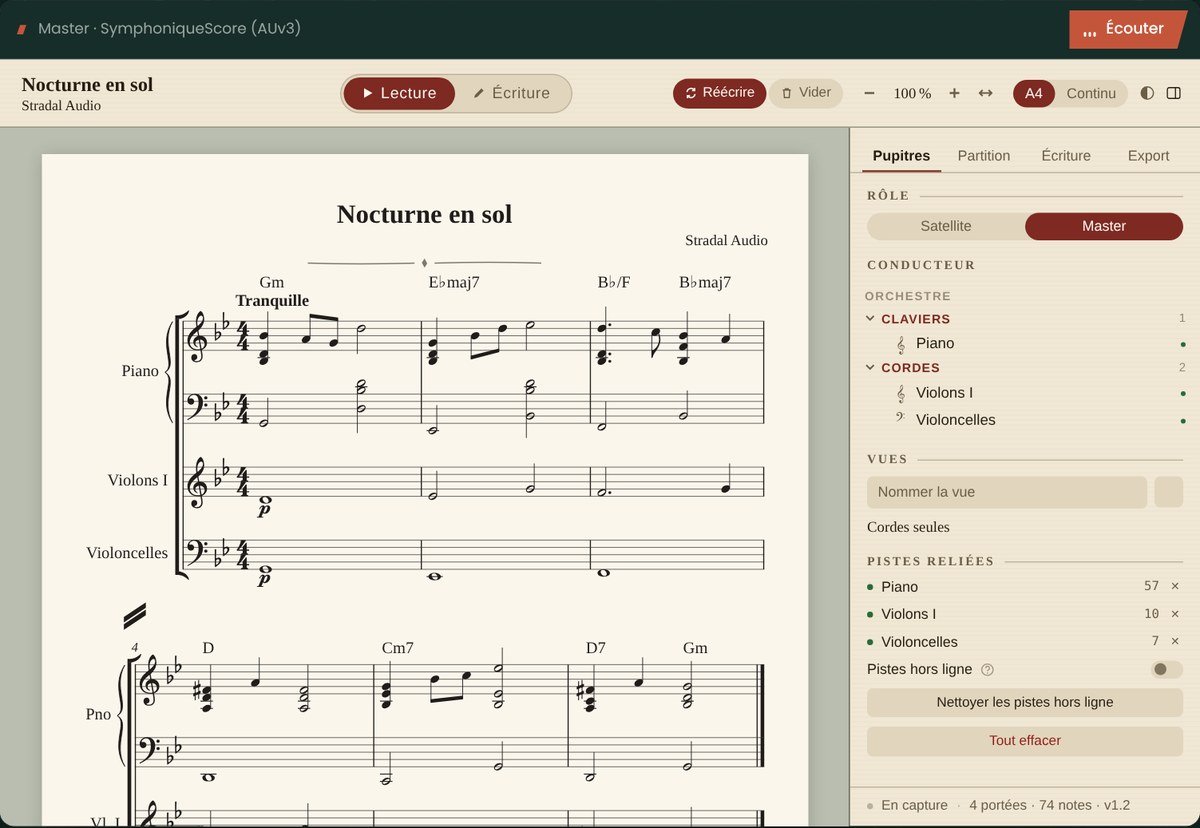
In Stradal Score, the score is engraved by the Verovio engine from the notes captured on your tracks. The Export tab, in the "Export the score" block, offers all five formats, each with its destination shown.
- 1
Freeze the engraving
Turn off Rewrite once the score is ready: playback no longer touches it, and you export exactly what you see.
- 2
Choose the format
PDF for an A4 paged score, MusicXML for Sibelius, Dorico or MuseScore, PNG or SVG for the first page as an image, MIDI for a quantized render to replay in the sequencer.
- 3
Set the output
In Output settings, choose the Spacing and, if you like, the cream paper background.
- 4
Get the file
Files are written to Documents/Stradal Score/Exports, then revealed in the Finder.
The formats and their descriptions are the plugin's. The choice depends on what comes next in your work.
| Send to a musician | A4 paged score | |
|---|---|---|
| Finish in a notation program | MusicXML | For Sibelius, Dorico, MuseScore |
| Illustrate a document | SVG | 1st page, vector |
| Publish an image | PNG | 1st page, high resolution |
| Go back to the sequencer | MIDI | Quantized render |
The quantized MIDI has a clever use: it gives you back a clean, aligned version of what you played. Handy for starting again from a tidy base, then giving it back a natural feel with varied velocities.
Frequently asked questions
What's the difference between .musicxml and .mxl?
It's the same format. The .musicxml is a readable text file, the .mxl is its compressed version, lighter to send. MuseScore, Dorico and Sibelius open both.
Why does my layout disappear in MuseScore?
MusicXML mainly carries the musical content: notes, clefs, markings. The layout (spacing, system breaks) is largely redone by each notation program. Polish it in the software that will produce the final PDF.
I only have a MIDI file, can I still get a score?
Yes, every notation program imports MIDI. Choose the import quantization carefully and check triplets, key signature and the piano hand split, because the file contains none of that information.
Can the PDF be edited afterwards?
Not as a score. You can annotate a PDF, but you can't move a note cleanly. Always keep the MusicXML or the original project for corrections.
Where does Stradal Score save exports?
In the Documents/Stradal Score/Exports folder, and the file is revealed in the Finder after export. The plugin is marked "Coming soon", and the site's demo shows the Export tab.
Updated on October 22, 2026.