Why libraries don’t blend
- Different rooms: one library recorded on a large scoring stage, another in a church, a third dry. The ear hears three spaces.
- Inconsistent distances: very close brass in front of distant strings, the opposite of reality.
- Different colors: preamps, mics, the developer’s processing; one library brighter, another rounder.
Step 1: start from the close mics
Most libraries offer several mic positions (close, tree, room, surround). To blend, start from the close mics: they contain the least of the original room. You’ll then add the same room to everyone. A dry library is ideal; a very reverberant one is the hardest to blend.
Step 2: a shared room, different distances
Send every instrument to the same reverb, but not with the same setting: the back sections get more room, less top end and stronger early reflections. That’s what recreates depth. See adding depth to a dry library and orchestral reverb settings.
Step 3: match the colors
Compare the libraries on the same passage, at the same level. A library that’s too bright: a little less top-end shelf. One that’s too round: a little presence around 2 to 4 kHz. Too much low end (close mics on cellos, basses): a gentle low cut. Corrections of 1 to 3 dB are often enough.
Step 4: levels on a tutti
Libraries aren’t calibrated against each other: one library’s fortissimo can be 6 dB louder than another’s. Set the levels on a tutti passage, by ear, respecting the real hierarchy of the orchestra (brass naturally more powerful than woodwinds). The tutorial balancing strings, woodwinds and brass gives reference points.
With Philharmonia
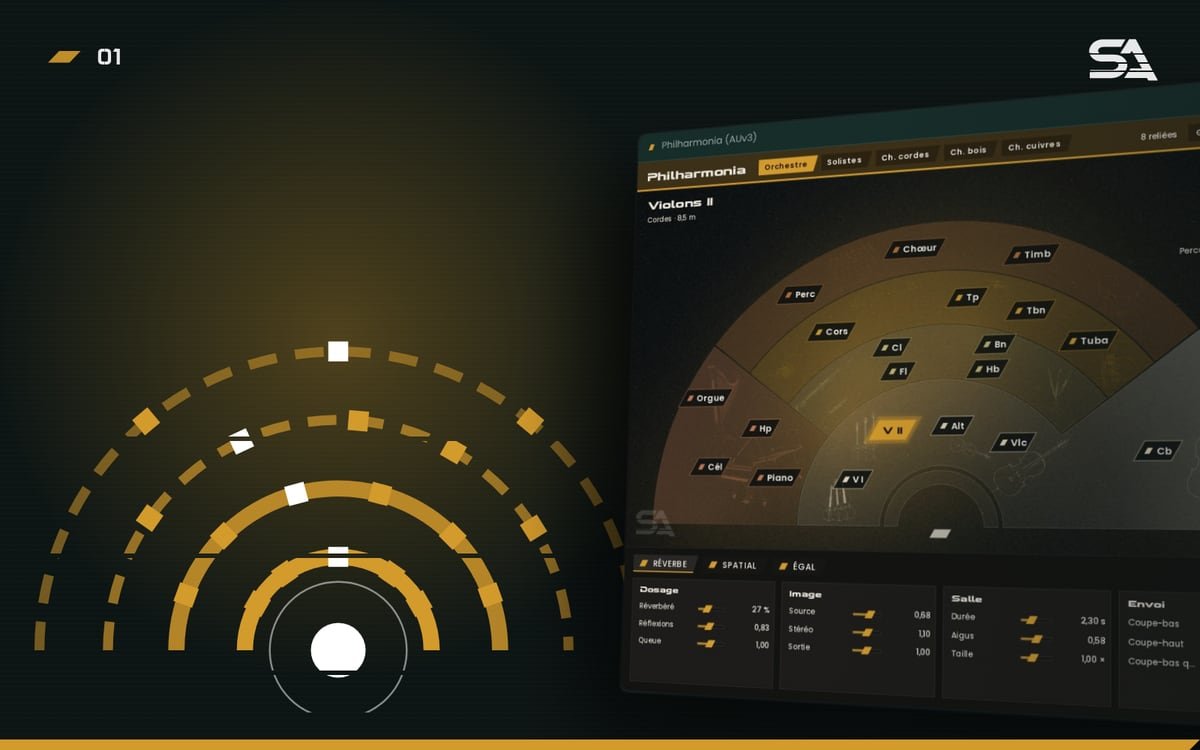
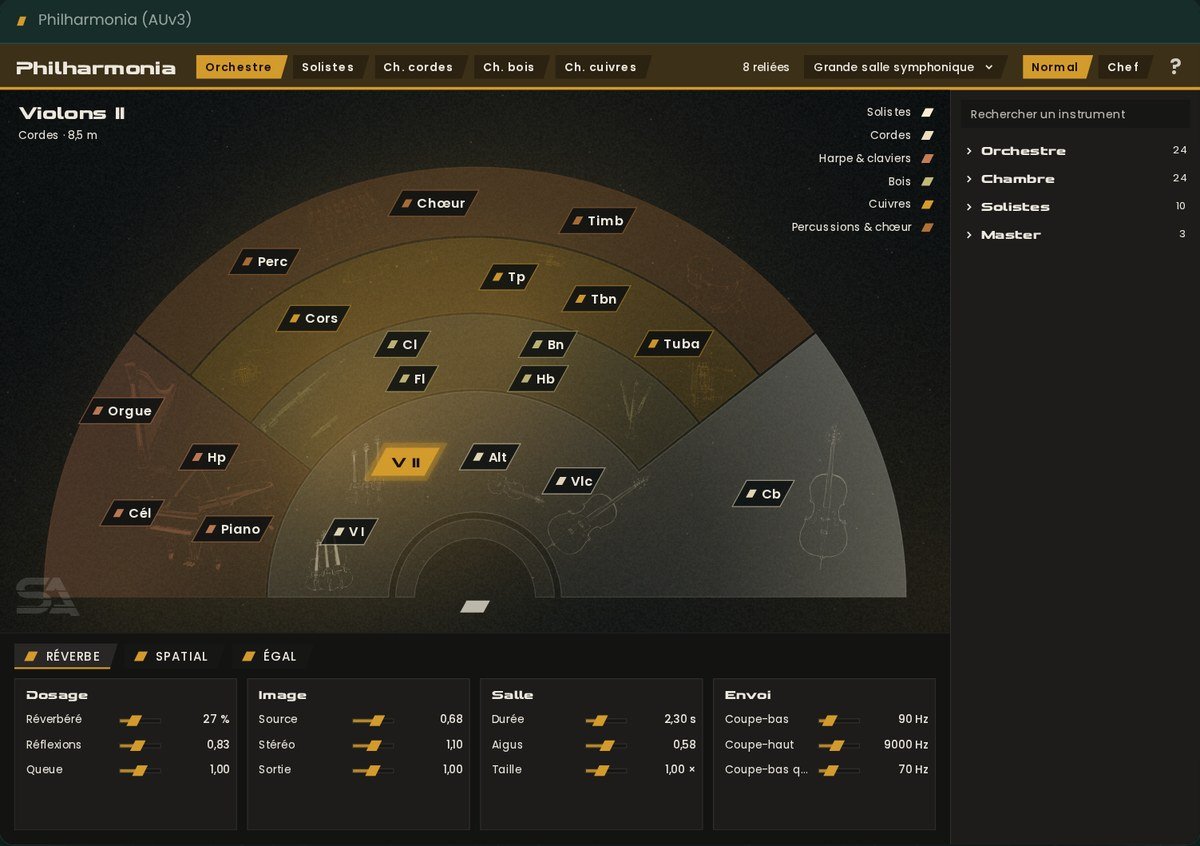
Philharmonia goes on each instrument track, whatever its library. Each instance is a section on the same stage plan: the hall (Large symphony hall, medium concert hall, scoring stage, church, chamber music) is shared, and each section’s distance decides its share of room, its Early reflections and its distance EQ. In Conductor mode, every instance in the project is set together; the AUTO assistant (auto EQ, auto mix) suggests a starting balance.
Frequently asked questions
Can you blend orchestral libraries from different brands?
Yes, it’s actually the norm. Start from the close mics, put every instrument back into a shared room with different distances, then match colors and levels.
How do I remove the reverb from a sample library?
You can’t really remove it. Choose the closest mics the library offers, and reduce or mute its room mics.
Do I need one reverb per library?
No: one shared reverb (or two set the same way, one for early reflections and one for the tail) suggests a single place. One reverb per library keeps three spaces.
Why do my brass sound like they’re in another room?
Often because the brass library has a lot of original room or a different distance. Use its close mics and send them to the same room as the strings, with more distance.
Updated on November 23, 2026.