The symptom: more layers, less impact
An impact that “hits” has a sharp attack, a weight you can feel and an ending that leaves room. When you stack sounds without a method, all three blur: the attack smears over a few milliseconds, the low end swells without punching, and each layer’s tail covers the next hit. Your ear hears a wider sound, but not a harder one.
| Cause | What you hear | Fix |
|---|---|---|
| Misaligned attacks | a “flam”, a smeared hit | align the peaks within 1 or 2 ms |
| Low-end phase | thinner lows with two layers than with one | shift by a few ms or flip the polarity |
| Crowded bands | a thick but blurry sound | one layer per band, filter the rest |
| Crushed transients | a flat hit with no crack | slow compression, less limiting |
| No hierarchy | everything at the same level, nothing stands out | one lead layer, the others in support |
| Reverb on everything | a distant, soft hit | room on the body only, low end cut |
| No contrast | a hit that doesn’t surprise | 60 to 250 ms of silence before |
Cause 1: attacks that don’t land together
Almost every impact file starts with a bit of silence, air or pre-echo. If you align the file starts, the peaks land at different instants: a 5 ms gap is enough to turn one hit into a double hit. Zoom in until you can see the waveform and align the peaks, not the starts.
Cause 2: two low layers cancelling each other
A sub and a low body playing the same frequency zone can add up… or partly cancel. That’s phase cancellation: each layer sounds great alone, the combination is thin. It happens a lot with booms and orchestral bass drums.
- 1
Listen separately
Listen to the sub alone, then the body alone, then both together, at the same level.
- 2
Flip the polarity
If the combination has less low end than the louder of the two, flip the polarity of one.
- 3
Shift the body
If that doesn’t help, shift the body by 1 to 5 ms and listen for where the low end comes back.
- 4
Cut the body’s lows
As a last resort, cut the body’s lows below 80 to 100 Hz: the sub handles them alone.
Cause 3: too many layers in the same band
Three low impacts don’t make an impact three times lower: they make blurry lows. Every band of the spectrum needs one owner: the sub below 70 Hz, the body between 60 and 400 Hz, the material in the mids, the crack in the highs. Filter each layer where it has no job. The layering tutorial gives starting frequencies.
Cause 4: crushed transients
Punch lives in the first milliseconds. A fast-attack compressor, a master limiter pushed by 6 dB or heavy saturation rounds them off: the hit gets louder on average, but it no longer cracks. On the impact group, keep a compressor attack of 20 to 30 ms and 2 to 4 dB of gain reduction.
Cause 5: no layer leads
When every layer sits at the same level, none of them gives the hit its character. Pick a lead layer (metal for a cold impact, the body for a drum hit, the explosion for an action scene) and put the others 4 to 8 dB below. They should be felt more than heard.
Cause 6: reverb on everything
The room adds size, but it pushes the sound back. Reverb on the crack softens it; on the sub, it makes the low end muddy. Put the room on the body and the material only, cut its lows below 150 to 200 Hz, and keep the crack and the sub dry, up front.
Cause 7: nothing before the hit
An impact sounds loud through contrast. If the music, the ambience or a riser fills everything right up to the hit, it has no room to surprise. Cut almost everything 60 to 250 ms before the impact, or build tension that stops dead. It’s often the single most effective fix.
The two-minute diagnosis
- 1
Small speakers
Listen on small speakers: if you hear nothing anymore, a crack layer is missing.
- 2
Mute one by one
Mute the layers one by one: the one whose absence changes nothing is useless, remove it.
- 3
Zoom in on the attack
Zoom in on the attack: every peak should land within the same 2 ms window.
- 4
Check the phase
Check the phase of the two lowest layers (flip the polarity of one).
- 5
Bypass the limiter
Bypass the master limiter: if the impact cracks again, it was pushed too hard.
Dialing in the hit in Nebula
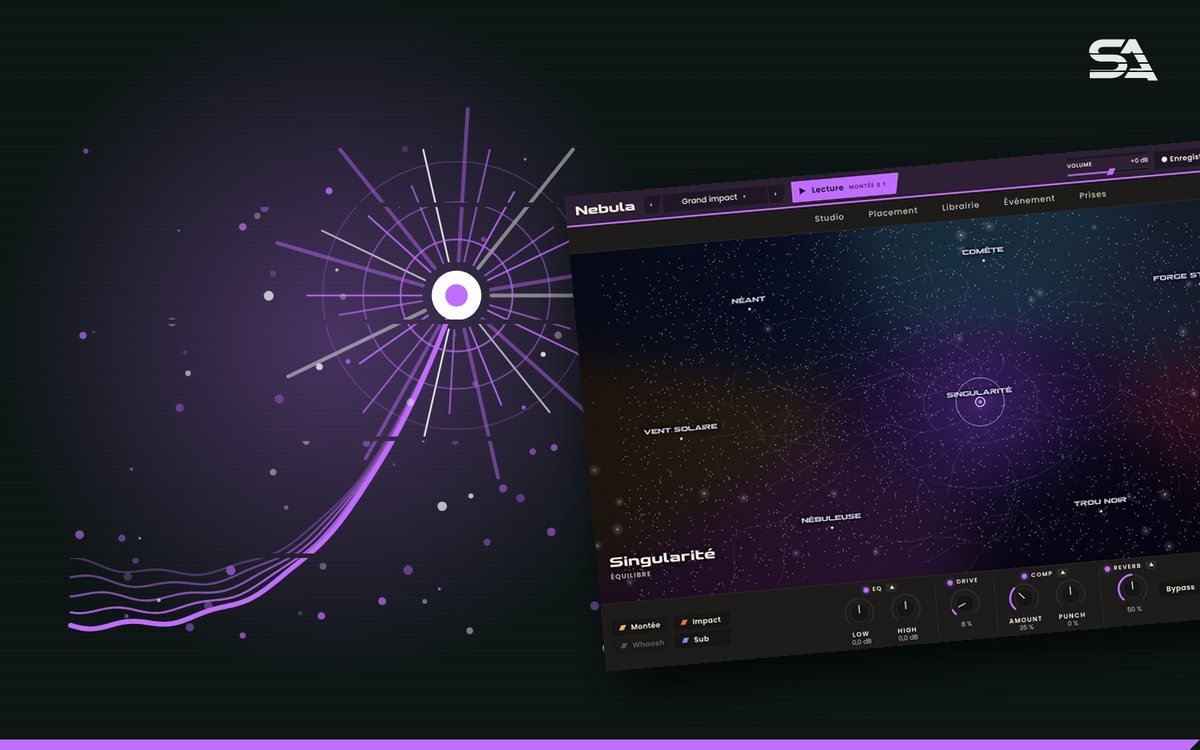
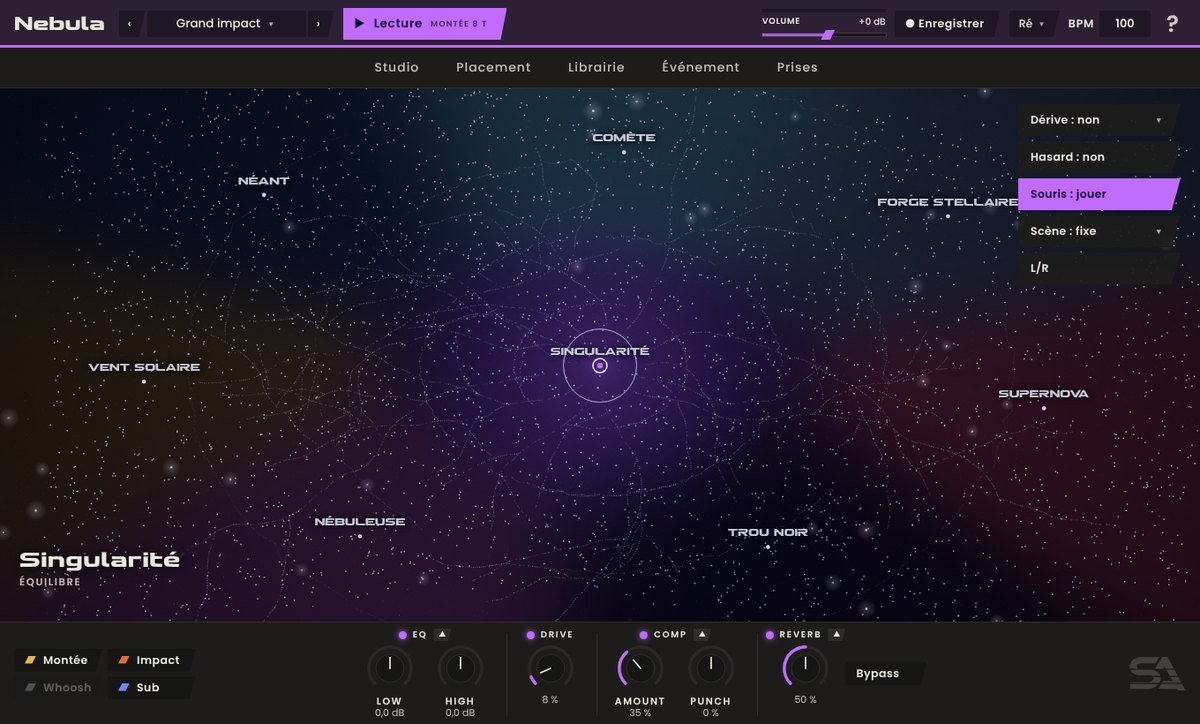
Nebula handles cause 1 for you: every sound in the bank is aligned on its attack and locks to the impact. In the Studio, each layer is a track; a click opens it with its mix. Two settings serve the hit directly: Impact, which boosts or softens the layer’s attacks (from −100 to +100%), and Sub, which removes a layer’s low end down to −24 dB or adds a tuned sub hit under each attack. On the Master, the Comp glues the group: Amount to bind, Punch to keep the attacks up front.
Mute a layer with M in the Studio to hear whether it really matters. If nothing changes, remove it.
| Setting | Value | Why |
|---|---|---|
| Lead layer: Impact | +40 to +70% | An attack that leads |
| Support layers: Level | −4 to −8 dB | A clear hierarchy |
| Material and crack: Sub | −24 dB | The low end stays with the sub |
| Body: high cut | around 3 kHz | The highs stay with the crack |
| Master, Comp: Punch | high | The attacks come forward |
| Master, Reverb: Tail | opens on the impact | The room after the hit, not on it |
Frequently asked questions
Why does my impact sound weaker with more layers?
Because the attacks don’t land at the same instant, two low layers partly cancel, or several layers fight over the same band. Align the peaks, check the phase and filter each layer where it has no job.
How do I give a sound effect more punch?
Protect the attack: slow compression on the group, less limiting, a short crack in the highs, and 60 to 250 ms of silence before the hit.
How many layers does an impact need?
Three to five, each with a different job: sub, body, material, crack, room. A layer that changes nothing when you mute it should go.
Should I align layers on the start of the file?
No: on the peak of the attack. Files often start with a bit of silence or air, and a few milliseconds of offset are enough to smear the hit.
Updated on November 24, 2026.