What makes a sound feel big
| Cue | What the ear concludes | Technique |
|---|---|---|
| Low end | a heavy object | slow it down, add a sub |
| Length | a large, resonant object | slow it down, lengthen the tail |
| Width | an object that fills the space | widen the highs, keep the lows mono |
| Room | an enormous place | big reverb with pre-delay |
| Harmonics | violent energy | parallel saturation |
| Contrast | a shock | silence before, small sounds around |
1. Slow the sound down
The most effective move. Transposed by −5 to −12 semitones with varispeed (pitch and length linked), a sound becomes lower and longer: a cup-sized object sounds car-sized. Beyond an octave it loses its identity and turns into a rumble, which can also be the point.
2. Add a tuned sub
Under the attack, a 30 to 60 Hz sine that decays over one to two seconds adds weight you feel more than hear. Tune it to the key of the music, keep it mono and give it a soft attack to avoid a click. The sub drop tutorial shows the curve.
3. Saturate in parallel
Saturation adds harmonics that make the low end audible on small speakers and add energy. Heavily saturate a copy of the sound and blend it under the original (10 to 30%). You keep a clean attack and gain density.
4. Widen the highs, keep the lows centered
A wide sound feels bigger, but wide lows lose their impact and cause trouble in mono. Widen above 300 to 500 Hz (slightly offset doubling, a very slow chorus, two variants left and right) and keep everything below mono.
5. A big room, with pre-delay
A big reverb (2 to 6 seconds) says “enormous place”. Pre-delay (40 to 120 ms) is the secret: it lets the dry attack through before the room arrives, so the sound keeps its presence. Cut the reverb’s lows below 150 to 200 Hz and don’t send the sub to it.
6. Reinforce the attack
A big but soft sound feels distant. A transient designer (or a compressor with a slow attack, around 20 to 30 ms) brings out the first milliseconds. If needed, add a short high crack under the attack: it’s what makes the sound exist on a phone.
7. Layer a material
A second sound of another material makes the first one richer: metal under a dull thud, debris under an explosion, air under a whoosh. Only one rule: each layer gets its own frequency band. The full method is in layering in sound design.
8. Create contrast
A sound feels enormous next to small sounds, and after silence. Cut almost everything 60 to 250 ms before it, keep the sounds around it smaller and drier, and duck the music slightly during its attack. It costs nothing, and it’s often what makes the biggest difference.
In which order to apply these techniques
- 1
The source
Pick the right starting sound (sharp attack, a bit of noise).
- 2
Slow-down and sub
Slow it down, then add the tuned sub.
- 3
Saturation and material
Saturate in parallel and layer a material if needed.
- 4
Attack and width
Reinforce the attack, then widen the highs.
- 5
The room
Add the room with pre-delay.
- 6
The contrast
Set the contrast in the edit: silence before, music slightly lower.
Making a sound bigger in Nebula
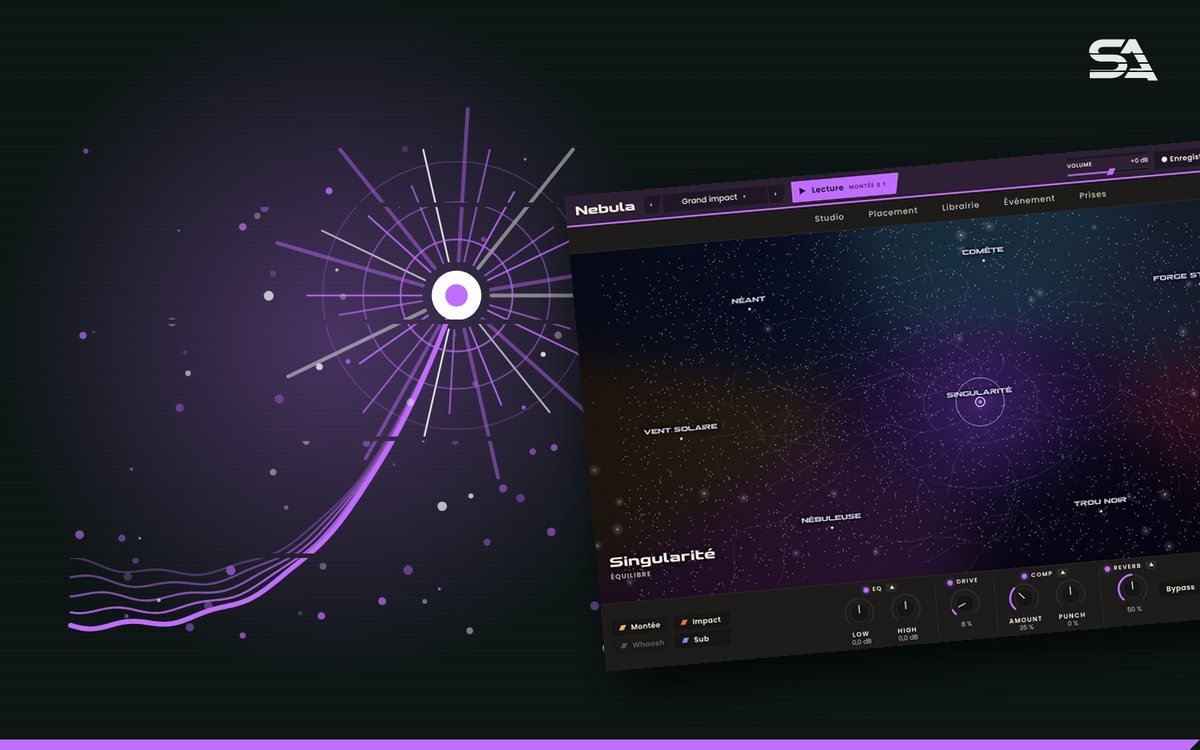
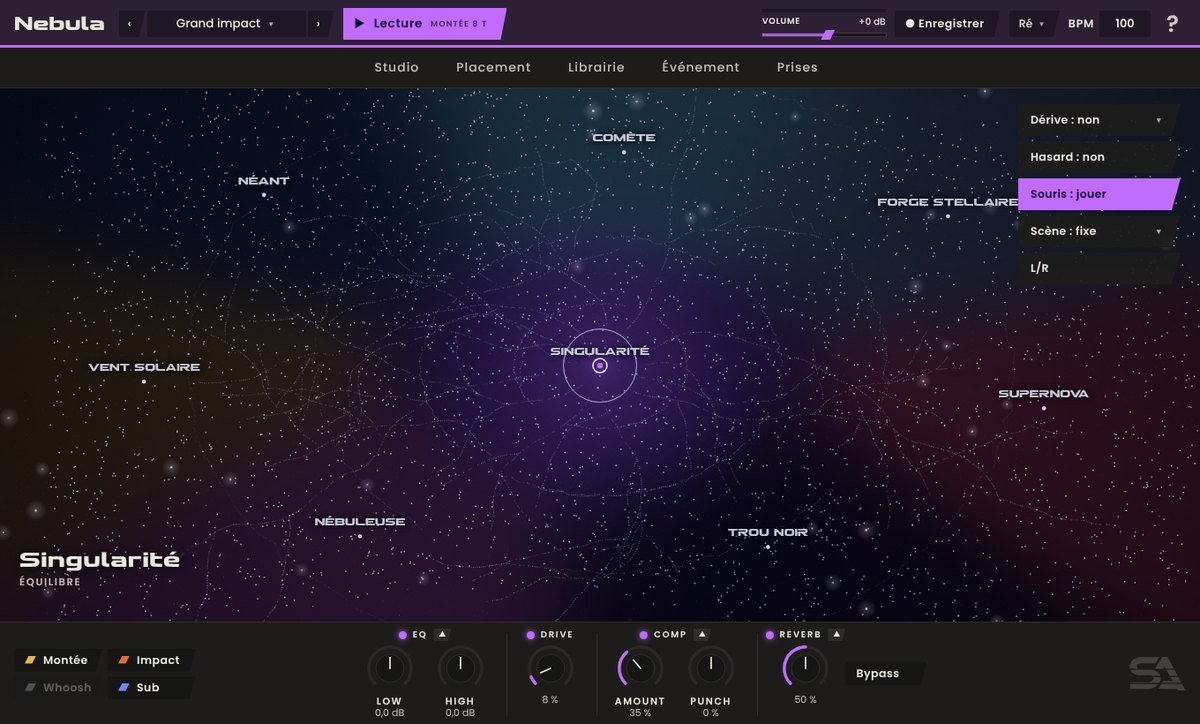
In Nebula, each layer in the Studio has a Sub setting that adds a tuned sub hit under each attack (or removes the low end down to −24 dB), and an Impact setting that reinforces the attack. The Master handles the rest for the whole group: EQ (Low, High), Drive for harmonics, Comp (Amount, Punch) and Reverb (Tail). The Key tunes the subs and booms to your track.
Go in small steps: Drive and Reverb make things bigger fast, then they drown them.
| Setting | Value | Why |
|---|---|---|
| Lead layer: Sub | +3 to +6 dB | Tuned weight under the attack |
| Lead layer: Impact | +30 to +60% | An attack that stays up front |
| Master, EQ: Low | slightly raised | More body |
| Master, Drive | moderate | Harmonics, density |
| Master, Comp: Punch | high | The attack protected |
| Master, Reverb: Tail | long, opening on the impact | An enormous place |
Frequently asked questions
How do I make a sound effect bigger without making it louder?
Work on the cues of size: slow it down, add a tuned sub, saturate a parallel copy, widen the highs and give it a big room with pre-delay. The level barely changes, the perceived size does.
Should I widen the low end of a sound?
No. Keep everything below 300 to 500 Hz mono: wide lows lose their impact and can disappear in mono.
Why use pre-delay on the reverb?
It lets the dry attack through before the room arrives. The sound feels big without moving back.
How much should I slow a sound down to make it bigger?
−5 to −12 semitones with varispeed. Beyond an octave, the sound becomes a rumble and loses its identity.
Updated on November 24, 2026.