The families of high-impact sounds
| Family | What it is | When to use it |
|---|---|---|
| Hit | a short hit, often metallic or hybrid | a cut, a gesture, a reveal |
| Boom | a low hit with a big room | a title, a logo, a change of act |
| Braam | low, saturated, sustained brass | menace, epic scale |
| Sub drop | a falling low end | under a hit, or alone in silence |
| Stinger | a short musical chord or hit | a punchline, a final shot |
| Rise & hit | a riser that ends on an impact | the transition between two sequences |
| Whoosh & hit | a fast pass, then a hit | a camera move, an object arriving |
The common recipe: build, hit, open
Every high-impact sound follows the same three-stage pattern. Skip a stage and you lose half the effect, even with an excellent impact.
- 1
Build
a riser, a suck-in (reversed sound) or 60 to 250 ms of silence. The ear has to feel something coming.
- 2
Hit
a sharp attack in the highs, a body in the low mids, a 30 to 60 Hz sub. All aligned at the same instant.
- 3
Open
a room tail, a rumble or an echo that carries the hit into the next shot, without covering the next impact.
For building the hit itself, see layering in sound design and how to make a boom.
Locking an impact to picture
The impact’s attack lands on the first frame of the new shot, or on the exact frame of the action (the fist connecting, the door slamming). An impact one or two frames late feels soft; early, it feels wrong. The build-up starts before the cut and stops dead on it.
Making the impacts grow over the trailer
A trailer often follows three acts: setup, rising tension, everything explodes. If every impact is huge from the start, the finale has nothing left to give. Keep shorter, drier impacts in act one, add sub and room in act two, and save the biggest booms and the longest silences for act three.
| Act | Impacts | Silences |
|---|---|---|
| 1: setup | short hits, little sub, small room | rare and short |
| 2: tension | more body, sub, longer risers | before the reveals |
| 3: climax | booms, braams, sub drops, big room | long, before the biggest hits |
Tuning impacts to the music
A sub or boom playing a note outside the track’s key bothers the ear, even if nobody can say why. Tune the sub and the tonal booms to the root (or the fifth) of the music. Metal hits and cracks can stay as they are.
Mixing loud without crushing
- Leave headroom: 3 to 6 dB below the ceiling where the big impacts land, so the limiter doesn’t crush the attack.
- Duck the music during the hit (2 to 4 dB, for a few hundred milliseconds) rather than pushing the impact.
- One low end at a time: when the impact’s sub comes in, the music’s low end has to make room.
- Check on small speakers: an impact must stay readable on a phone thanks to its attack and saturation.
High-impact sounds in Nebula
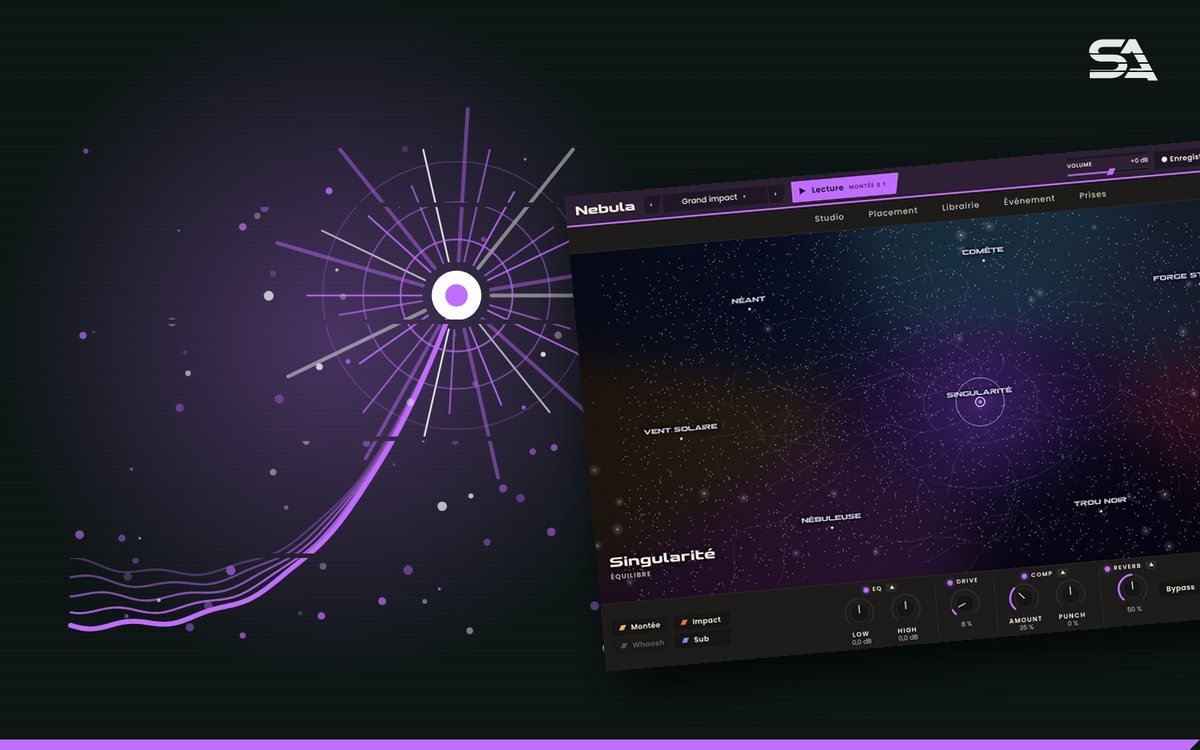
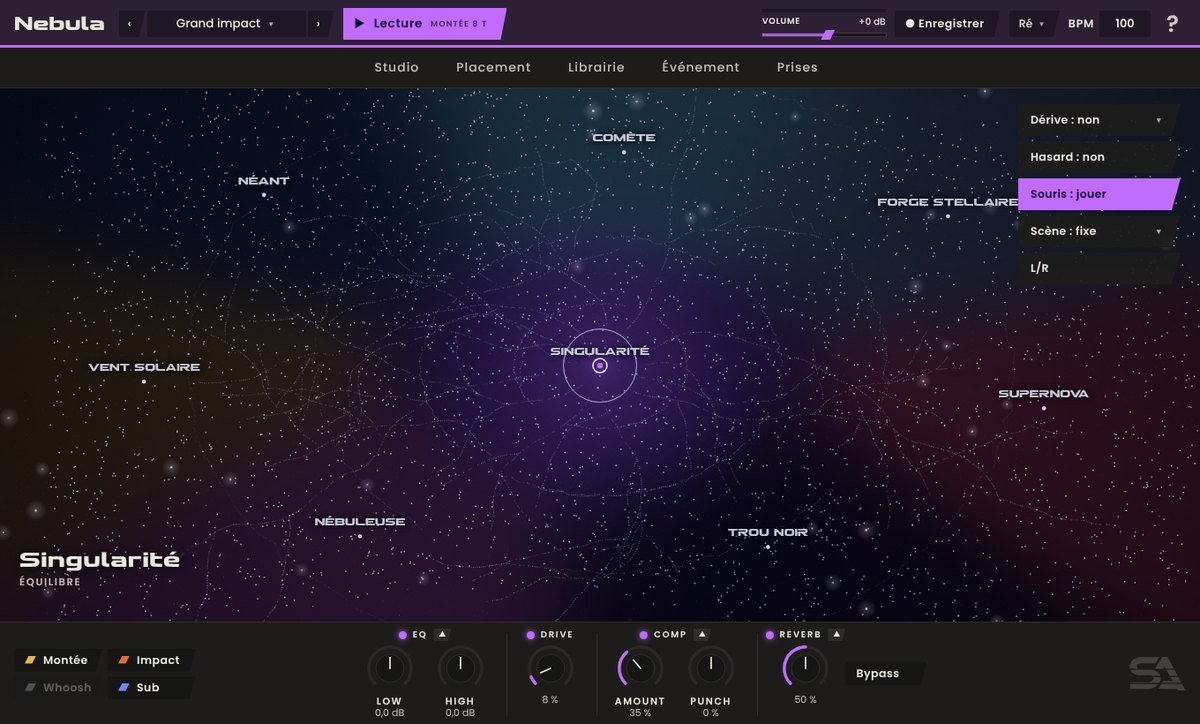
Nebula is built on this three-stage pattern: an event assembles riser, whoosh, impact, sub and tail, all locked to the instant of the impact and to the BPM. The Sub follows the chosen Key. In the Studio, each layer is set on its own (Level, Impact, Sub, room); the constellation changes the color of the hit (metal, debris, low end, air). Record the take, then drag it onto your cut as a WAV.
For an act-one impact, remove the riser and the Sub, and close the Reverb down.
| Setting | Value | Why |
|---|---|---|
| Riser | long, stopping on the impact | The build-up |
| Composite Impact: material | metal or explosion | The character of the hit |
| Sub | Subs › Boom, tuned to the Key | Weight, in key |
| Master, Comp: Punch | high | The attack up front |
| Master, Reverb: Tail | wide, opening on the impact | What comes next opens up |
Frequently asked questions
What sounds are used in movie trailers?
Mostly hits, booms, braams, sub drops, risers and whooshes, placed on hard cuts, titles and reveals, getting bigger until the finale.
Where should an impact sit relative to the cut?
The attack lands on the first frame of the new shot or on the exact frame of the action. The build-up (riser, suck-in, silence) starts before and stops dead on the cut.
Should impacts be tuned to the music?
Subs and tonal booms, yes: to the root or fifth of the track. Metallic hits and cracks can stay as they are.
How do I make an impact louder without clipping the mix?
Leave 3 to 6 dB of headroom, duck the music during the hit, keep one low end at a time and leave a silence right before.
Updated on November 24, 2026.